Key
Create API key
-
Click the username in the top right corner, then click Key to enter the API Key Management page, and then click +CREATE.
-
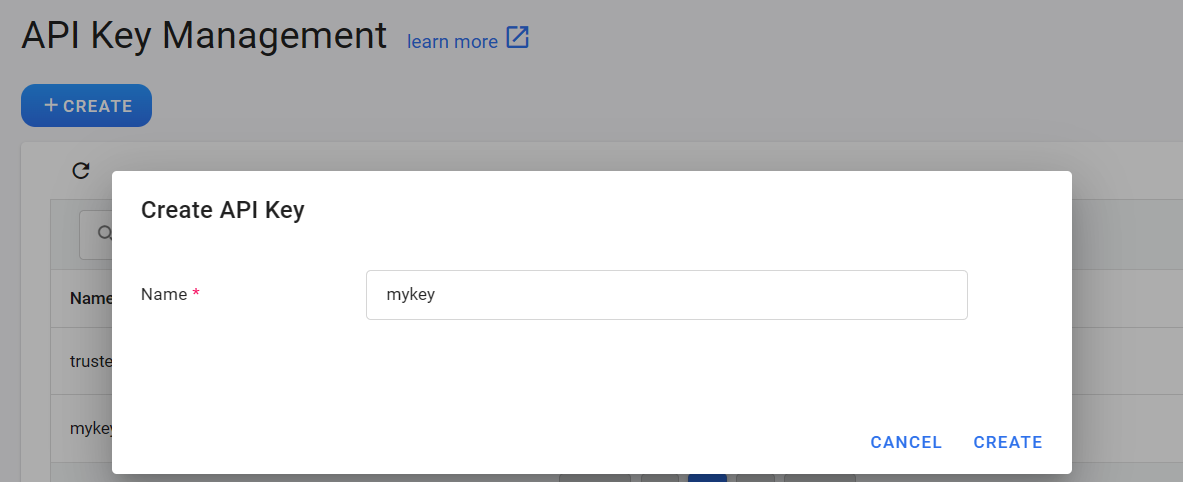
Enter the API key name and click CREATE.
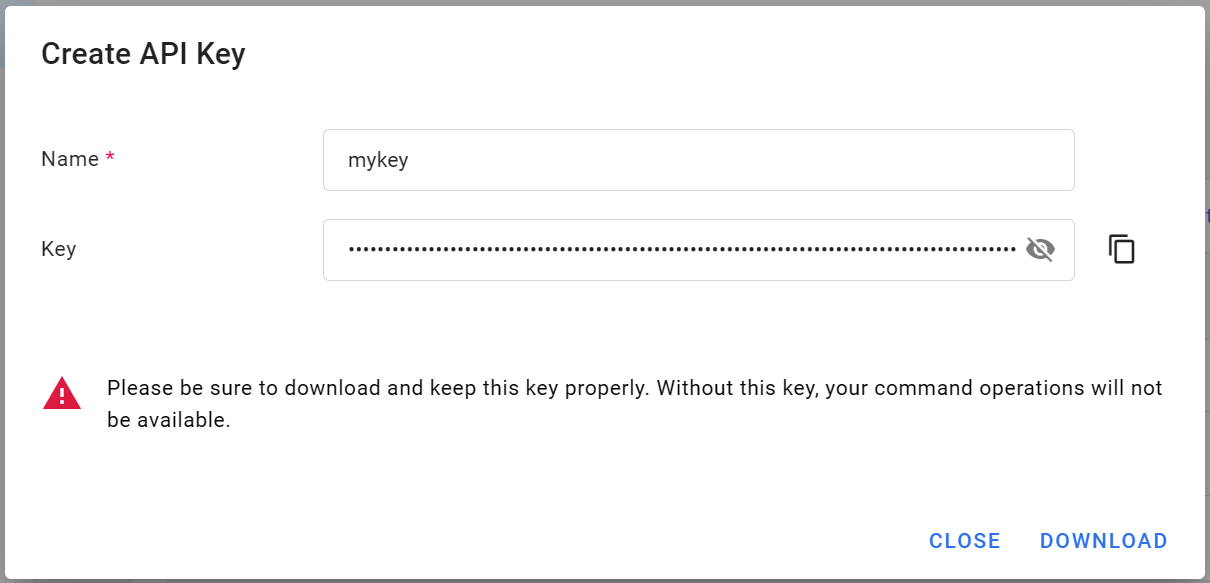
- After the API key is created, please click DOWNLOAD immediately and save the key properly.
Manage API key
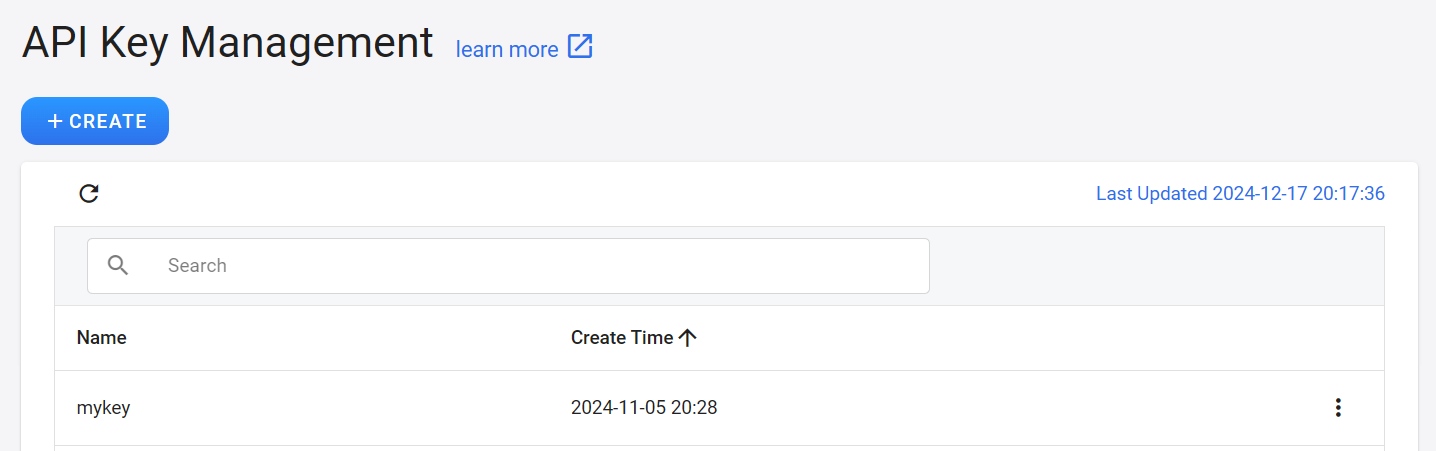
- The API key will appear in the list after it is created.
Delete API key
- Click the more options icon on the right side of the API key list, and then click DELETE.
S3 key
- Click the username in the top right corner, and then click Key.
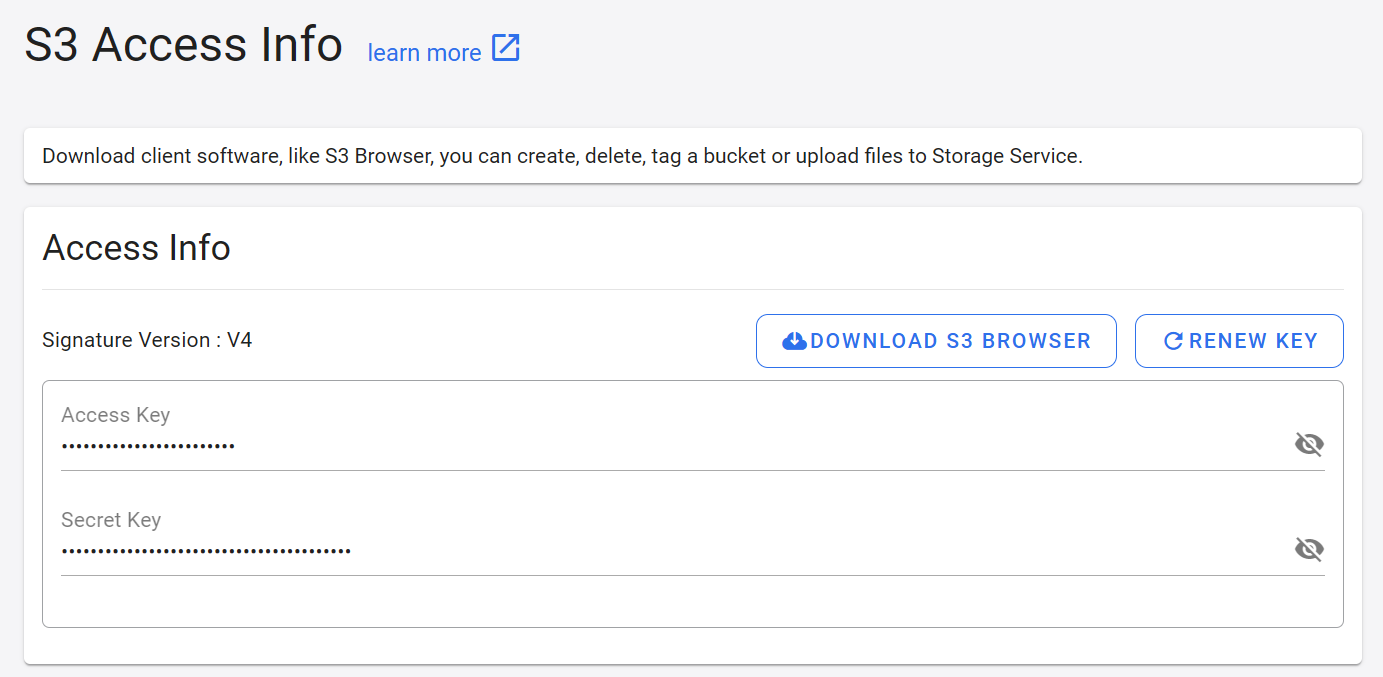
- Then click S3 Key on the left menu to enter the S3 Access Info page.
- The S3 Access Info page provides information such as Access Key and Secret Key.
- Click DOWNLOAD S3 BROWSER in the top right corner to open the S3 Browser official website to download S3 Browser or obtain more information.
- Click RENEW KEY on the top right to update your key.
info
Key Usage Tips
- This S3 key has no preset period. Once it is set in the third-party software, you can connect directly the next time you open the third-party software.
- Please keep your key properly or update it regularly to prevent it from being leaked. After the key is updated, please remember to update the key settings in the third-party software.