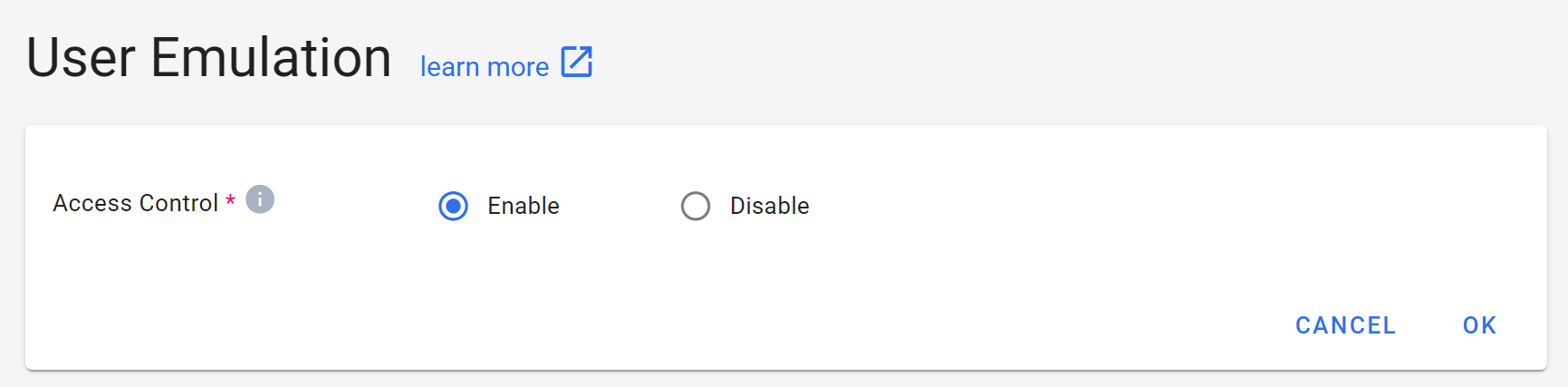
User Emulation
Enable user emulation function:
- Click the username in the top right corner, and then click User Emulation.
- Click Enable access control settings, and click OK when completed.
- After enabling the user emulation function, tenant admin/project admin and site admin can generate a temporary token (The system generates a preset time limit.) in Platform Management > Project Management, so that the person who obtains this token can use the user's identity to operate within the project as this user within the time limit.