Sign up for a U-T Cloud account
Go to the U-T Cloud login page and sign up for a U-T Cloud Member Center and U-T Cloud platform account.
Step 1. Get started
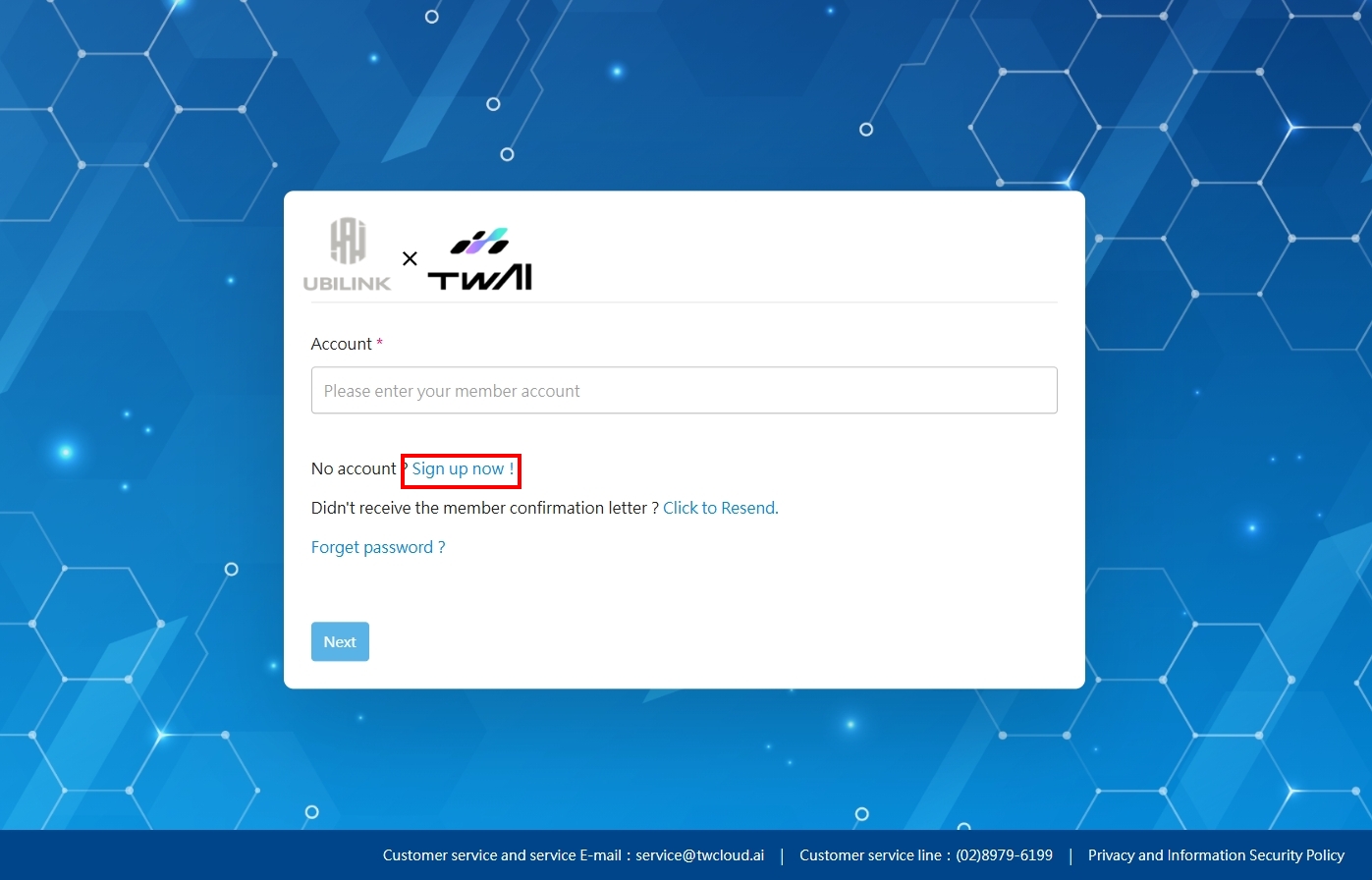
Go to the U-T Cloud login page and click the Sign up now! button.
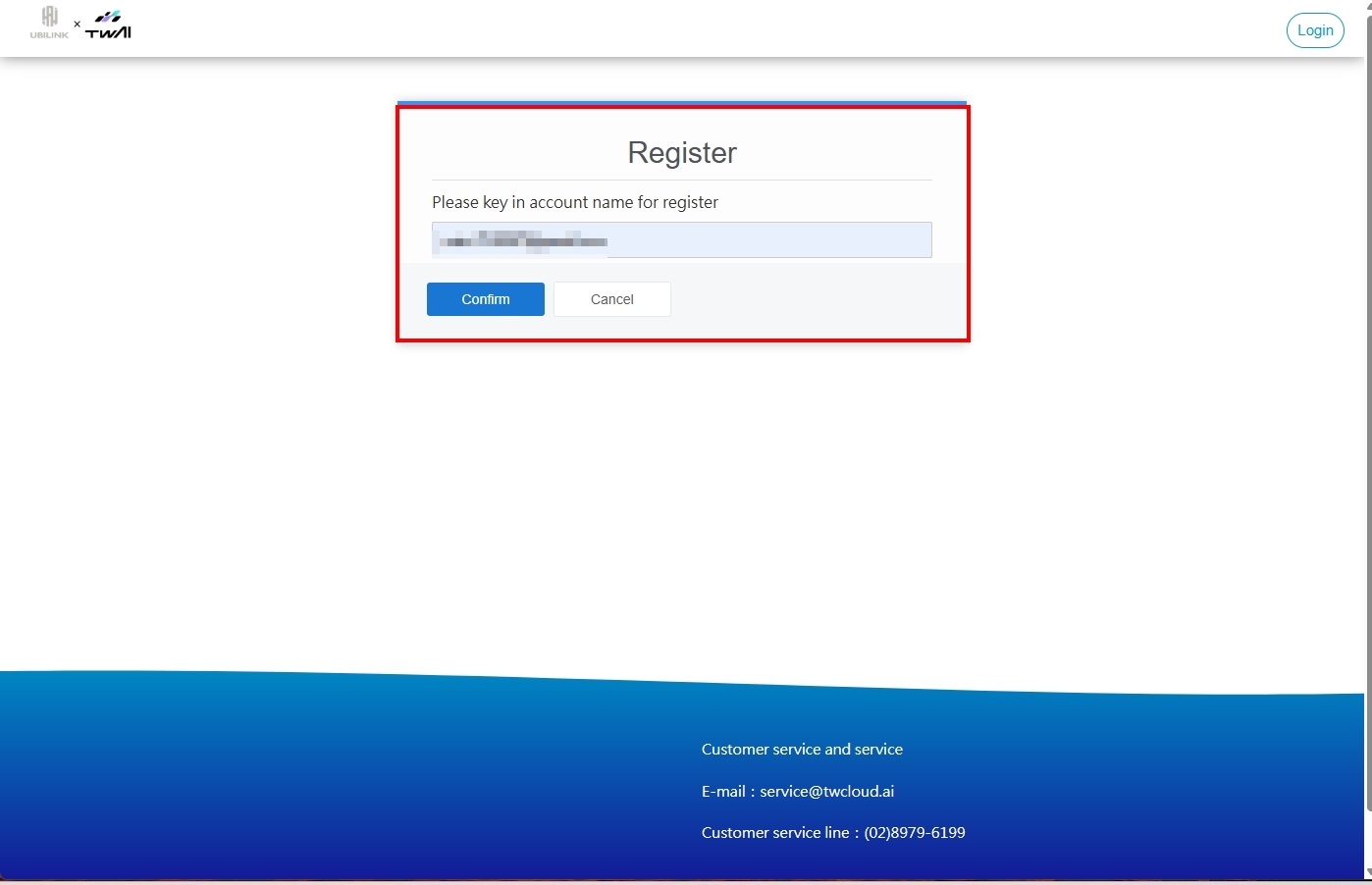
Step 2. Enter email address
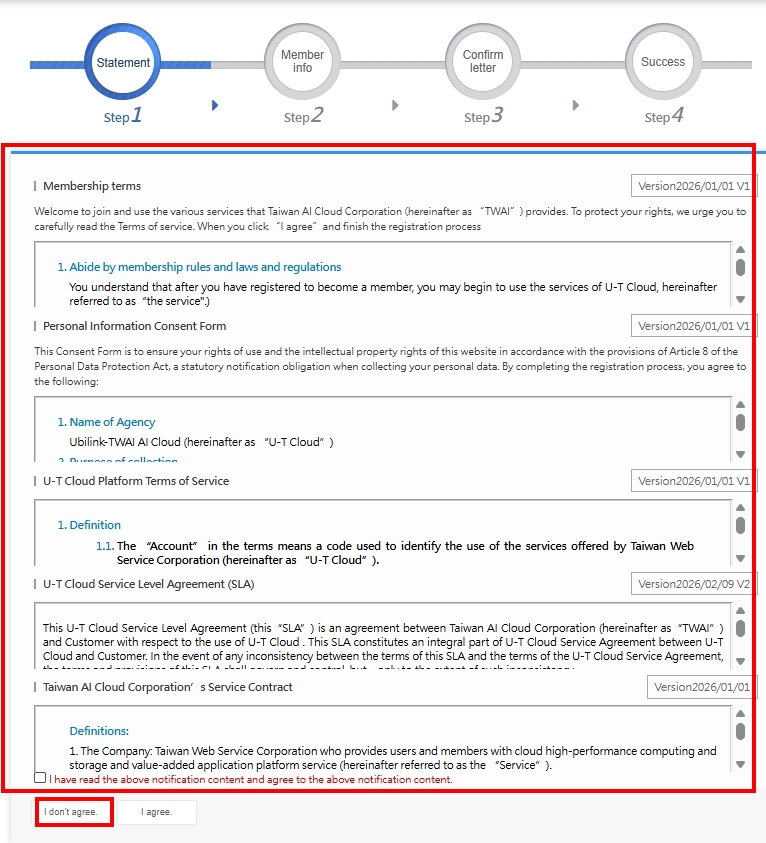
Step 3. Terms and conditions
Read the Personal Information Consent Form and the Terms of Service, scroll down, and click I agree.
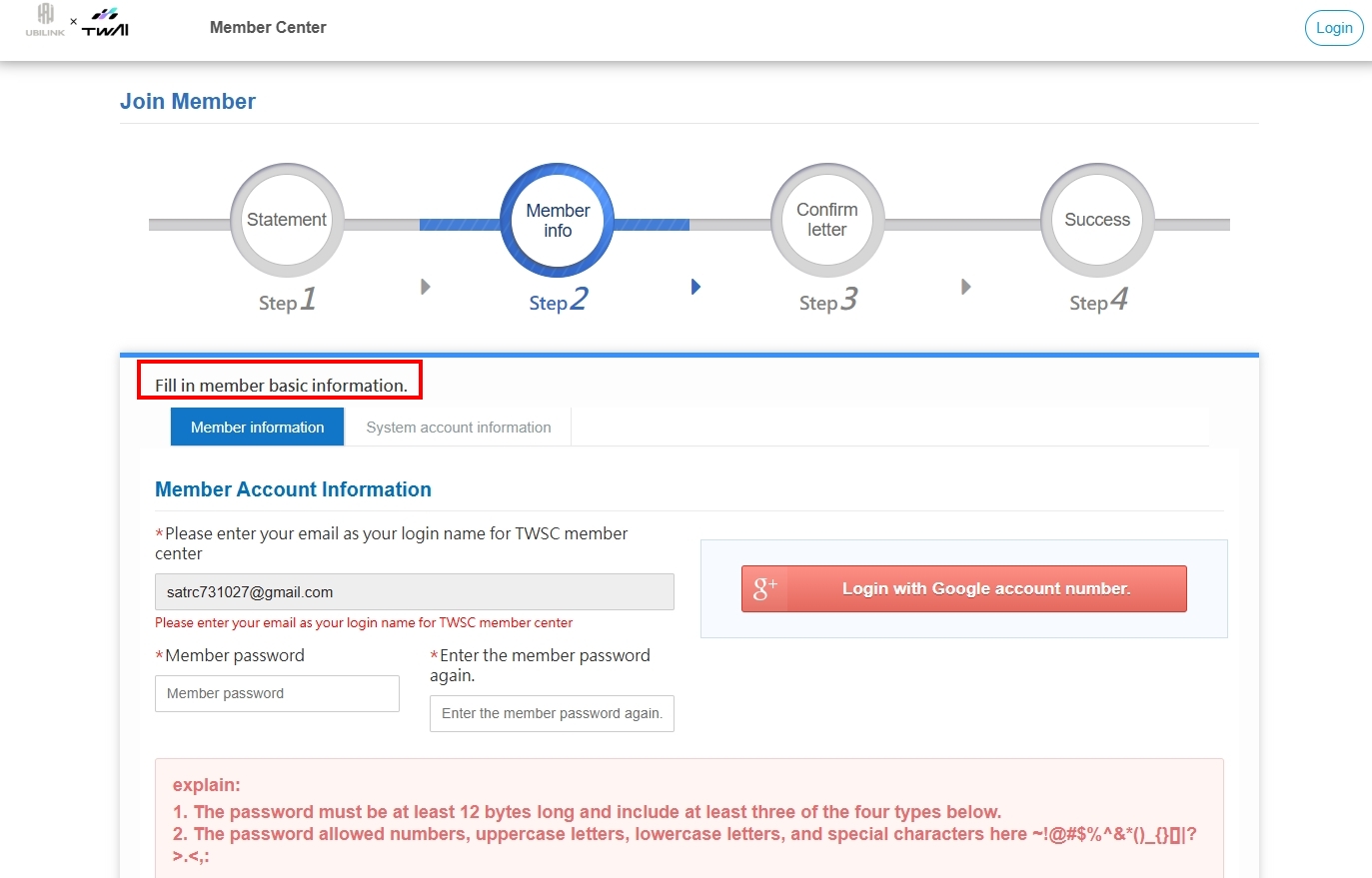
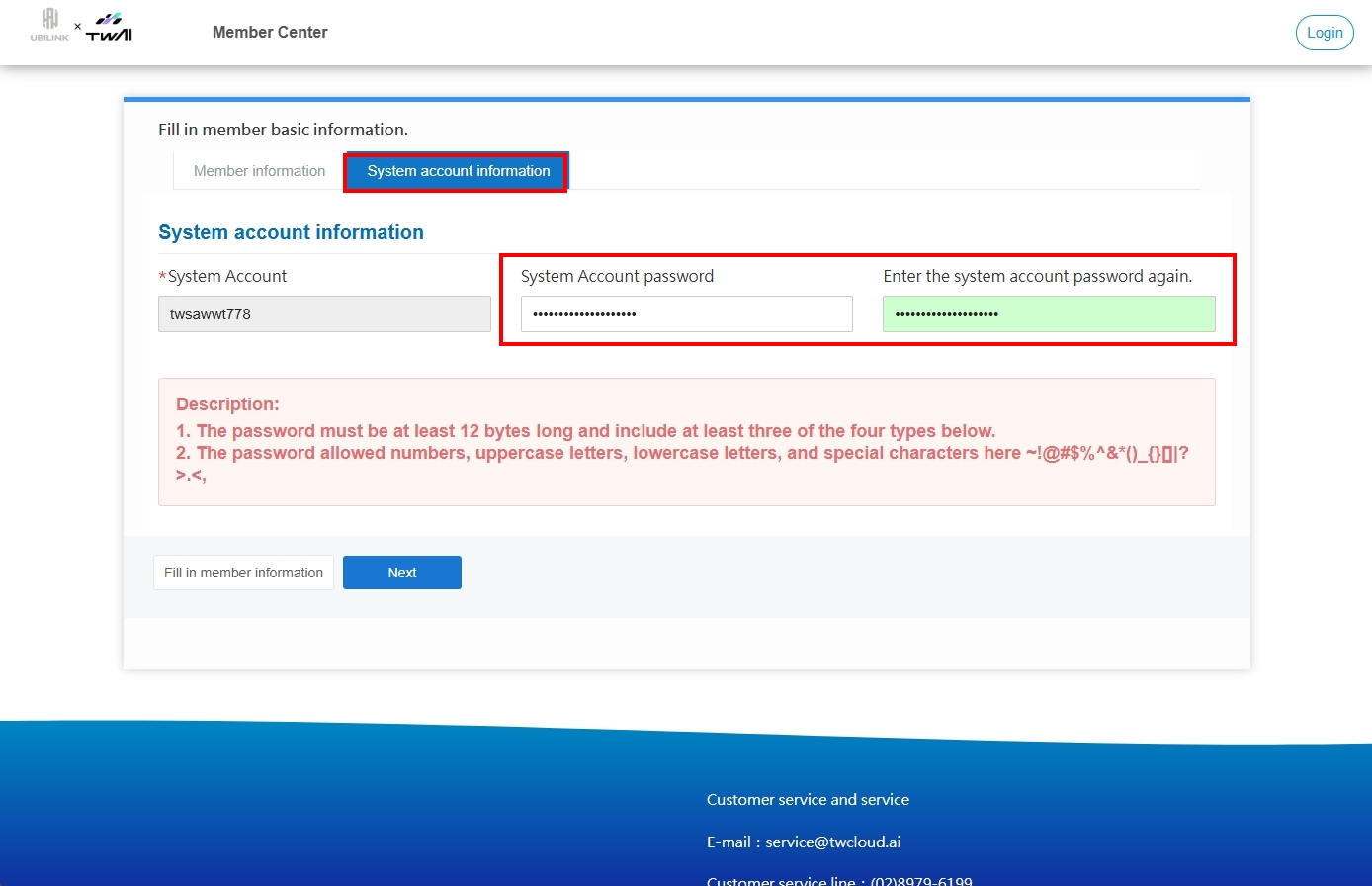
Step 4. Fill in basic information
- Set your account password and fill in your basic information.
- Set your system password.
Step 5. Email and phone verification
Verify your email address and phone number to complete the registration!