Find system account, reset password and obtain OTP code
U-T Cloud system account and system password are necessary for connecting to container environments via SSH. If you forget your account and password, please follow the instructions below to find or reset them.
OTP (One Time Password) authentication code is necessary for signing in to the environment. It is a one-time password, also known as a dynamic password, which is highly secure and updated every 30 seconds to ensure user access security. Please refer to the following instructions.
System account
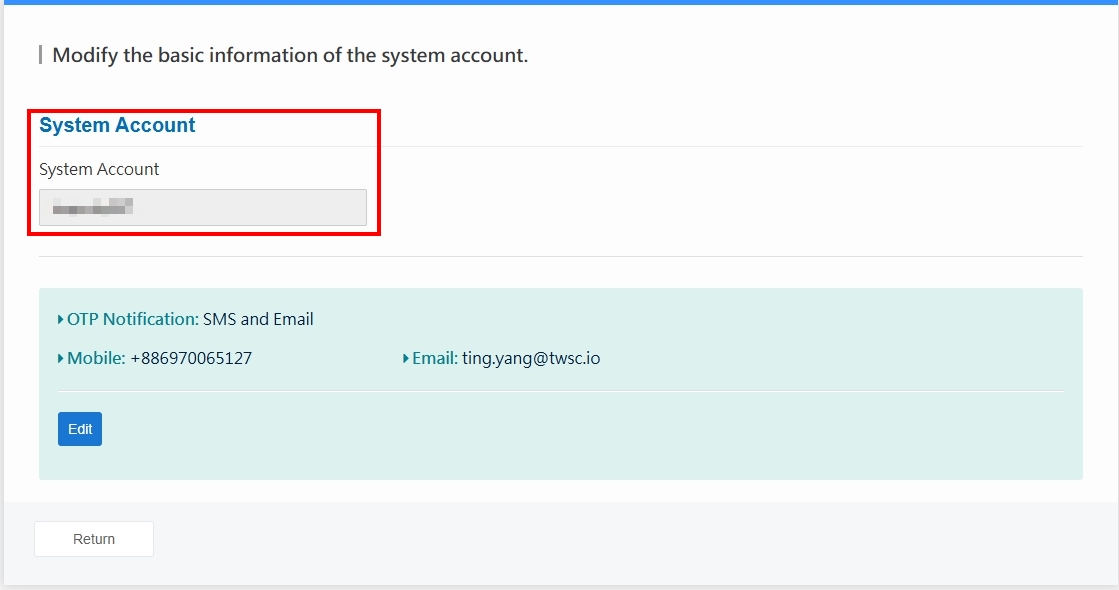
Sign in to the U-T Cloud Member Center, then go to Member Center > Member Information > OTP & System Account Information.

Then you can find your system account.
Change the OTP notification preferences
info
Please see online documents for detailed instructions about the system account login methods.
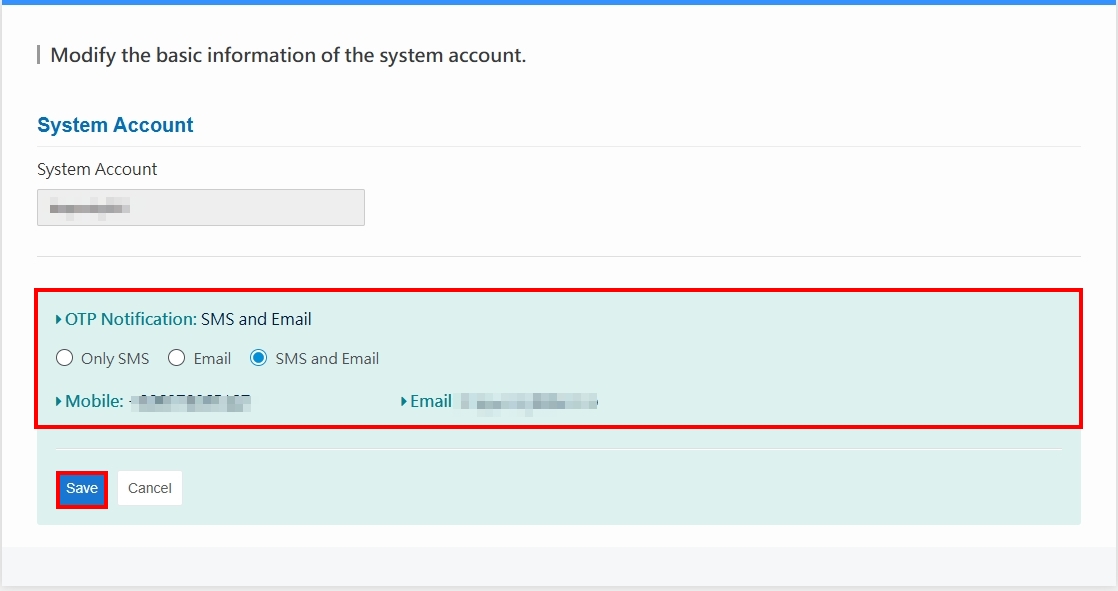
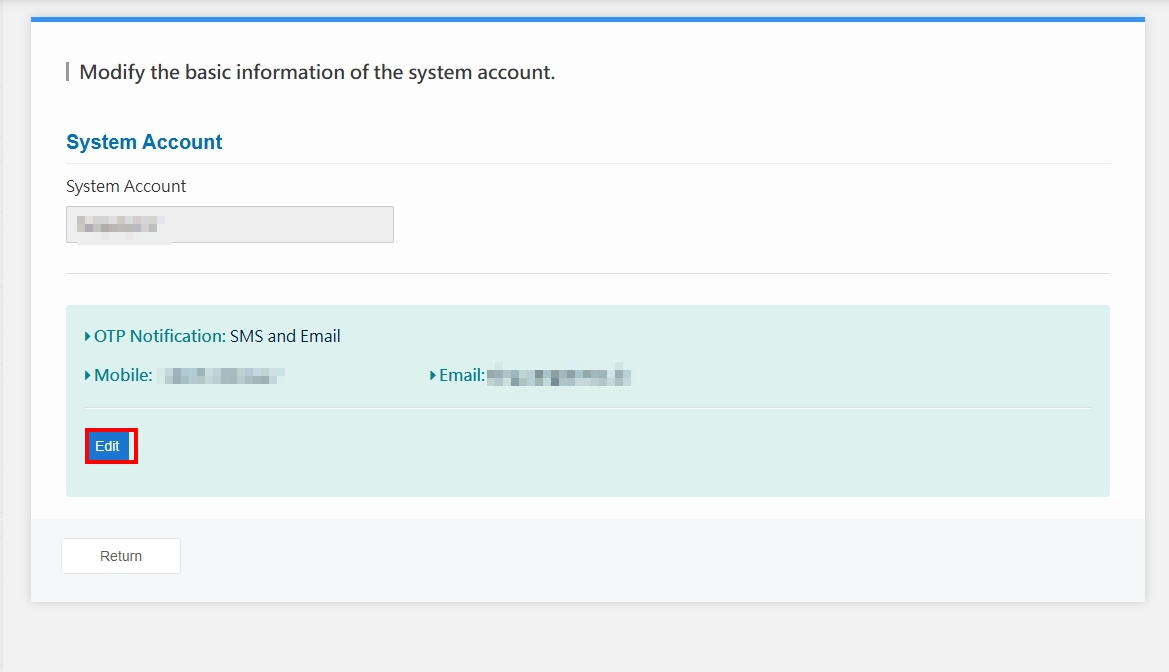
- If you want to change the OTP notification preferences, click Edit on the OTP & System Account Information page.
- Select the notification method you want, and click Save.