Update U-T Cloud member information
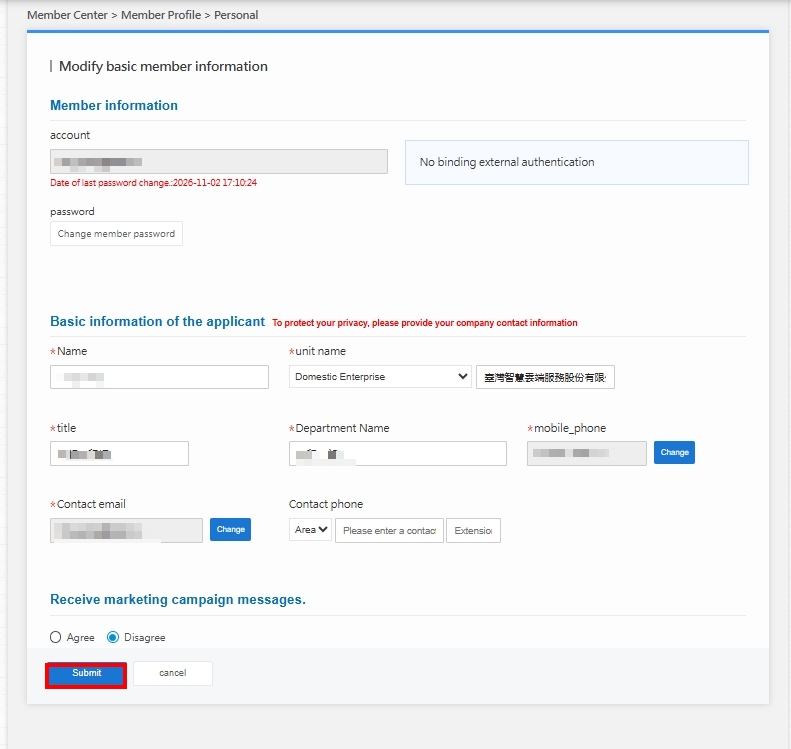
If you need to update your member information such as name, phone number, contact and backup email, or change your marketing subscription preferences, please follow the steps below.
Step 1. Sign in to the Member Center
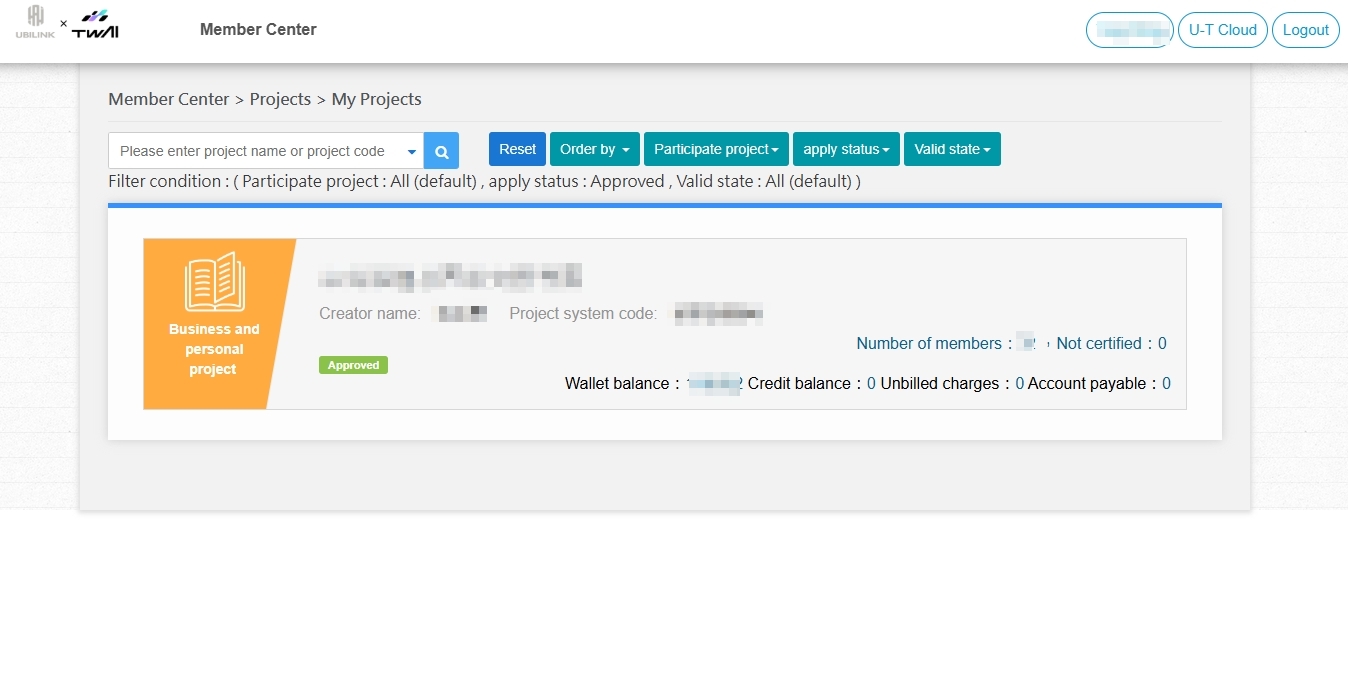
Step 2. Personal information page
After signing in, click Member Center > Member Information > Personal Information.
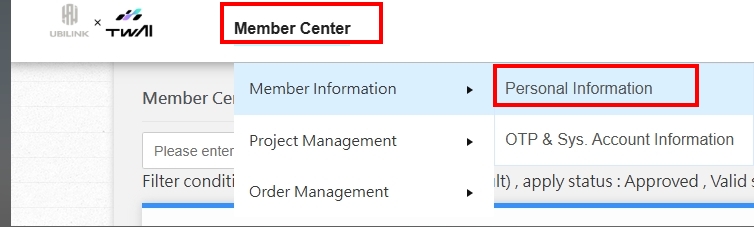
Step 3. Edit and submit your information
Fill in the information you want to change, then click Submit to complete the update!