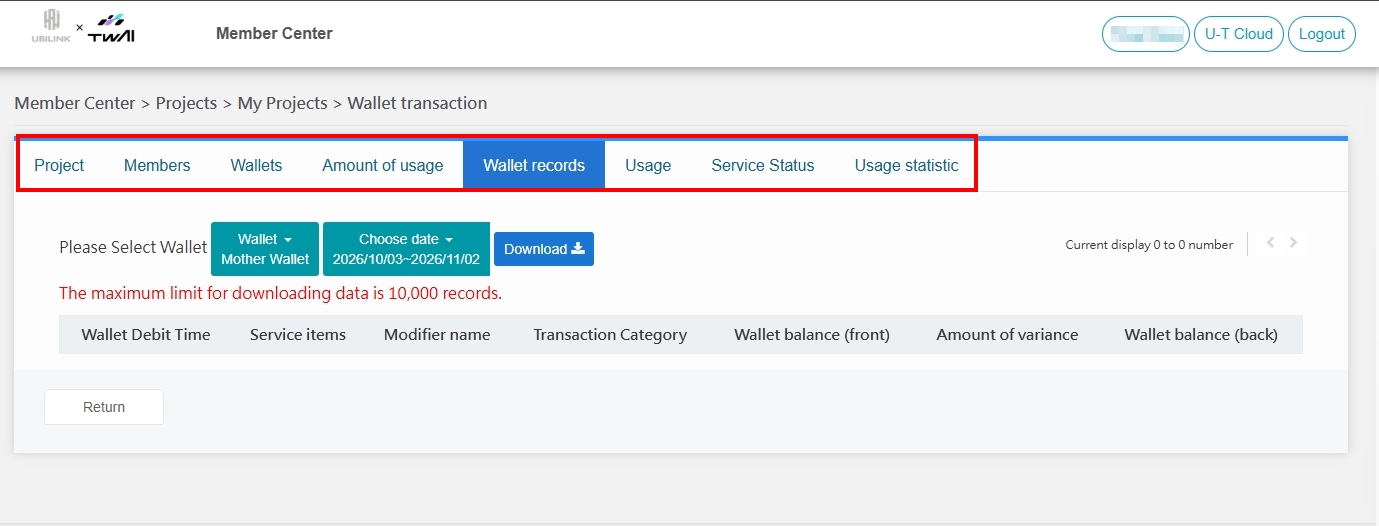
View U-T Cloud project information
You can view your project information by signing in to the U-T Cloud Member Center, or follow the steps below to learn how to view project information from the U-T Cloud platform and link to the U-T Cloud Member Center to learn more.
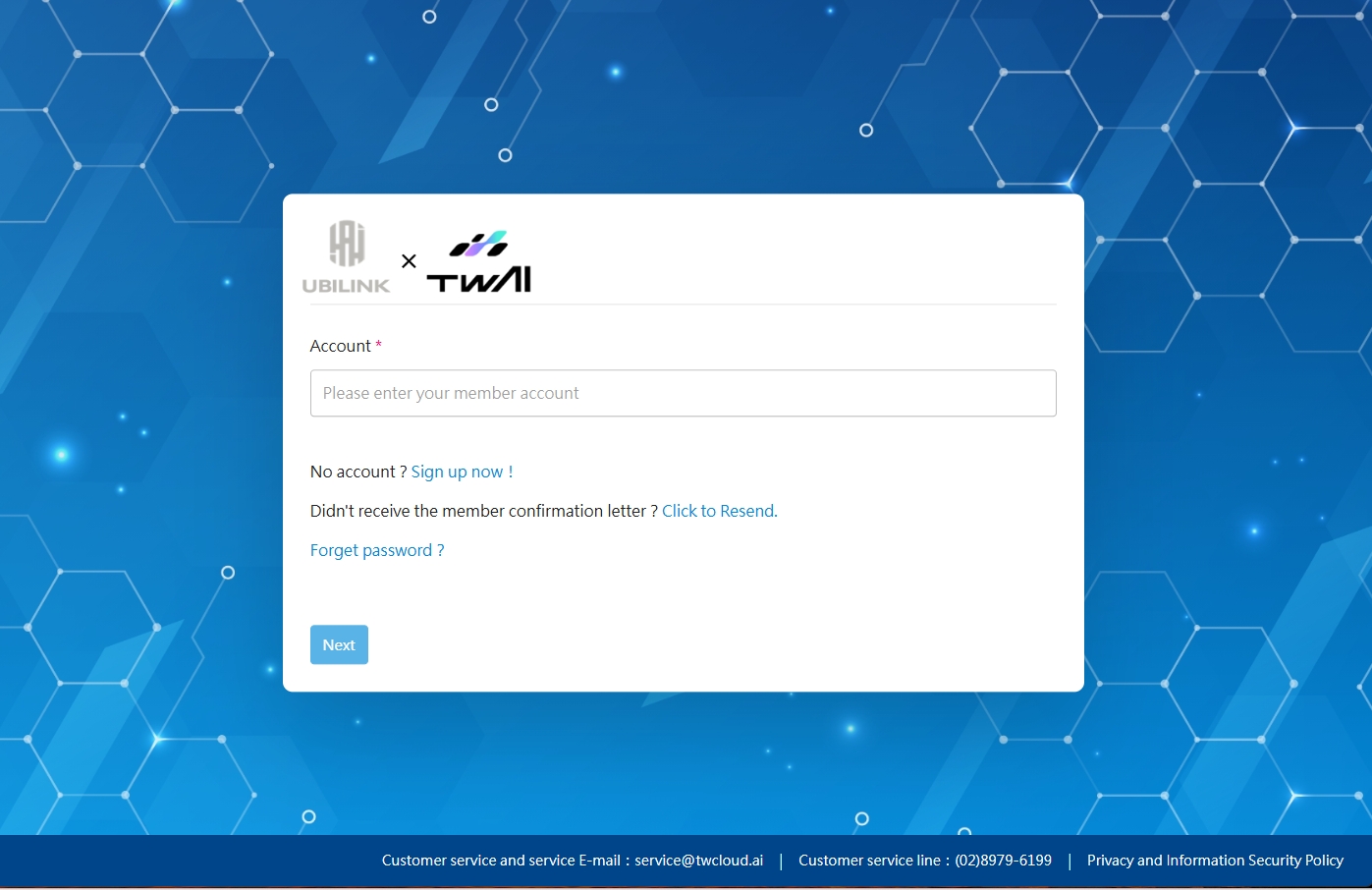
Step 1. Sign in to U-T Cloud
Step 2. View project information
After signing in, you will be taken to My Projects. Click Computing Center in the upper right corner to view the project information, which contains:
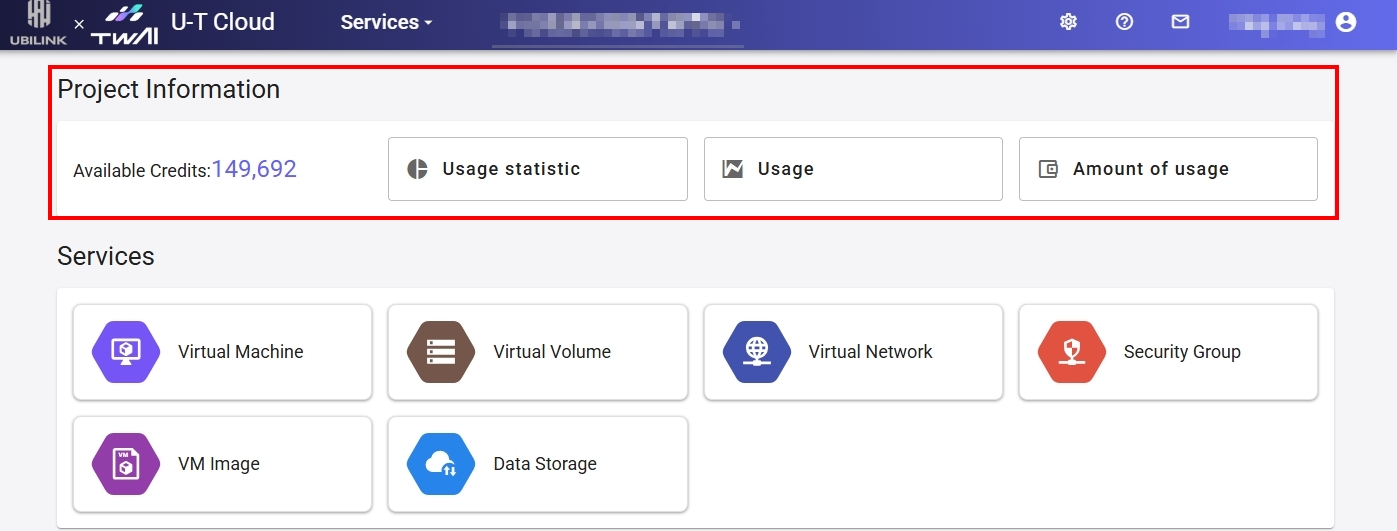
❷ Project name and ID
❸ Click Usage Statistics, select a statistics type, and filter by member or service and time range to view the statistics of each service.
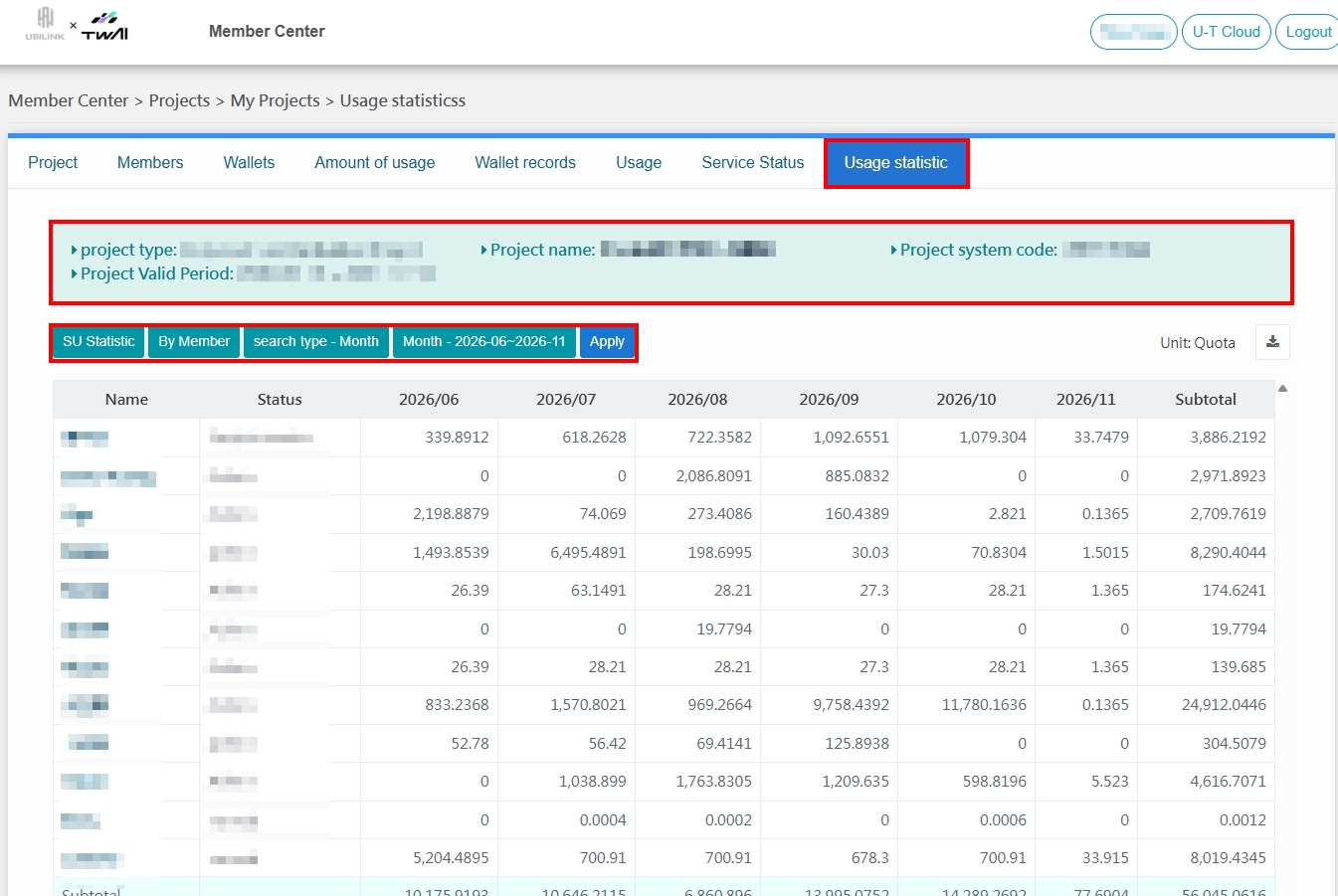
❹ Click Resource Usage Records and select a service to view the resource usage records.
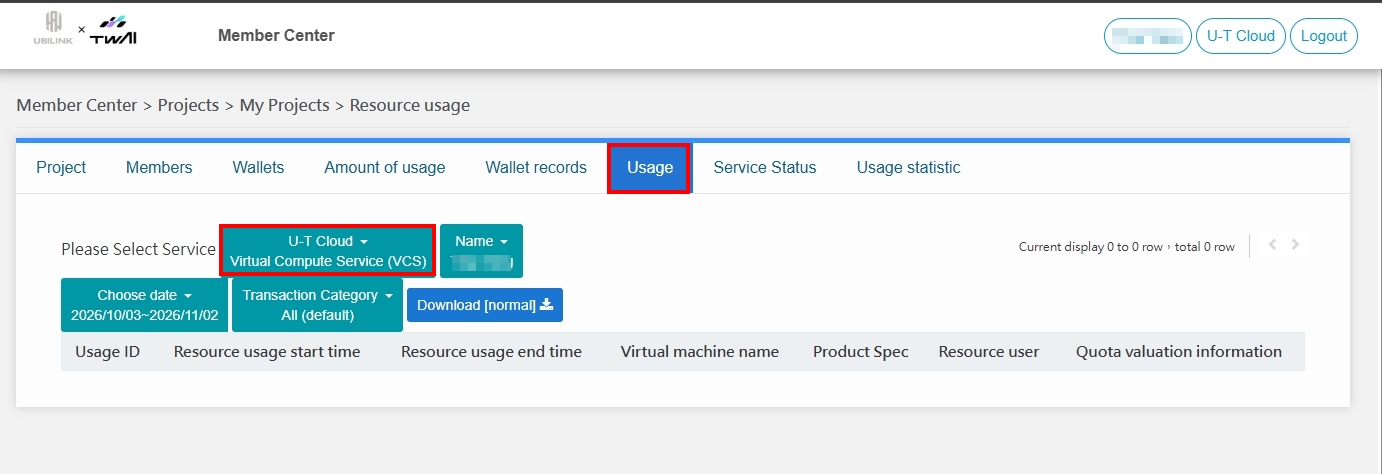
❺ Click Amount of usage and select a wallet to view the deduction records of each wallet.
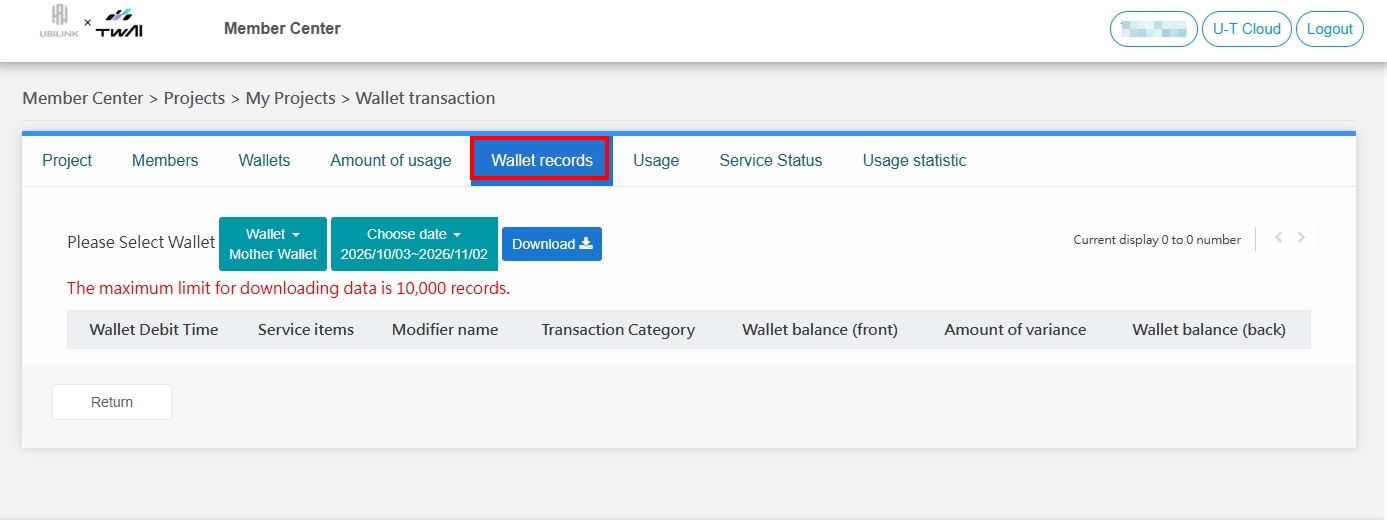
Once you have accessed the Member Center through the link above, you can view more project-related information: project information, project members, wallet management, service activation status, etc.