Floating IP
Create a floating IP
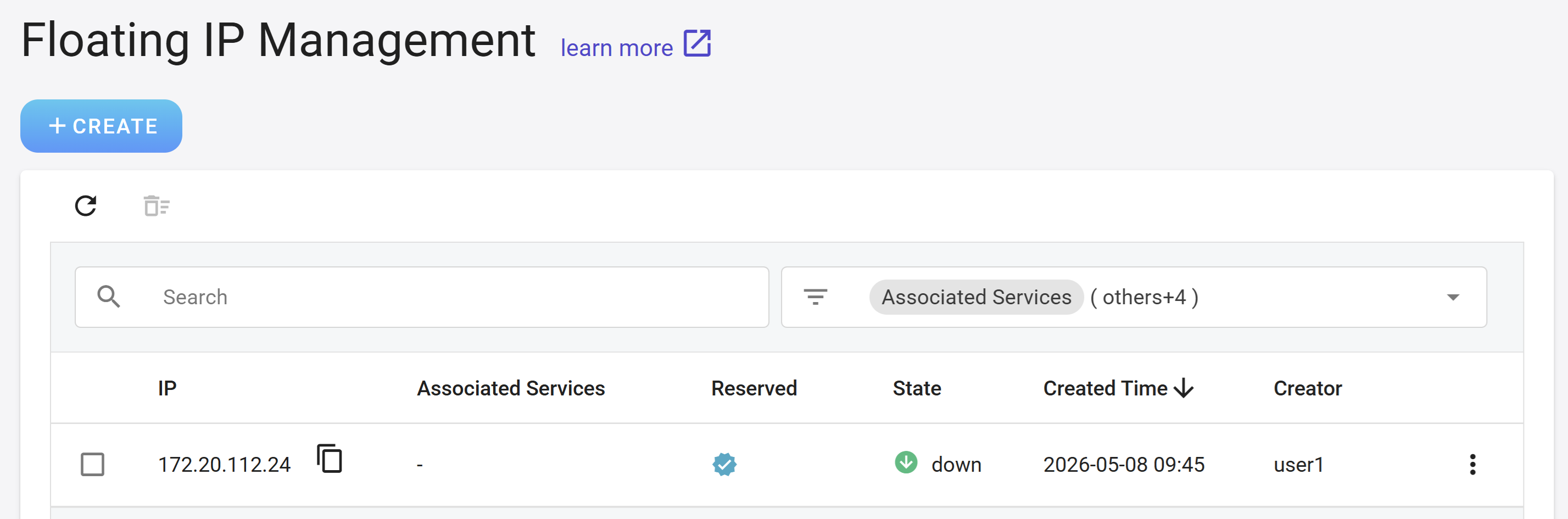
- Select Virtual Network from the Services list, then click Floating IP from the left menu to enter the Floating IP Management page, and then click + CREATE.
- In addition to manually creating floating IPs, you can also choose to have floating IPs automatically configured by the system in other external services.
Manage floating IPs
- After the floating IP is created, it will appear in the list, and the associated services, reservations, state and creation information will be displayed in the list.
Reserve/unreserve a floating IP
- The default life cycle of a floating IP will be equal to the associated service (such as a virtual machine). If the associated service is deleted, the system will delete the floating IP at the same time. The floating IP that is set to be retained will not be automatically deleted by the system.
- Click the more options icon on the right side of the list to select Reserve/Unreserve Floating IP.
Disassociate services
- When the associated service no longer uses the floating IP, you can choose Disassociate services to release this IP resource.
Delete
- Click the more options icon on the right side of the list, and then click Delete. Deleting the floating IP will automatically separate the associated services.