Key Pair
Provides key pair creation and management functions. To use a key pair as a credential for logging into a virtual machine, you must create it before creating the virtual machine.
Create a key pair
- Select Virtual Machine from the Services list, then click Key Pair from the left menu to enter the key pair management page, and then click + CREATE.
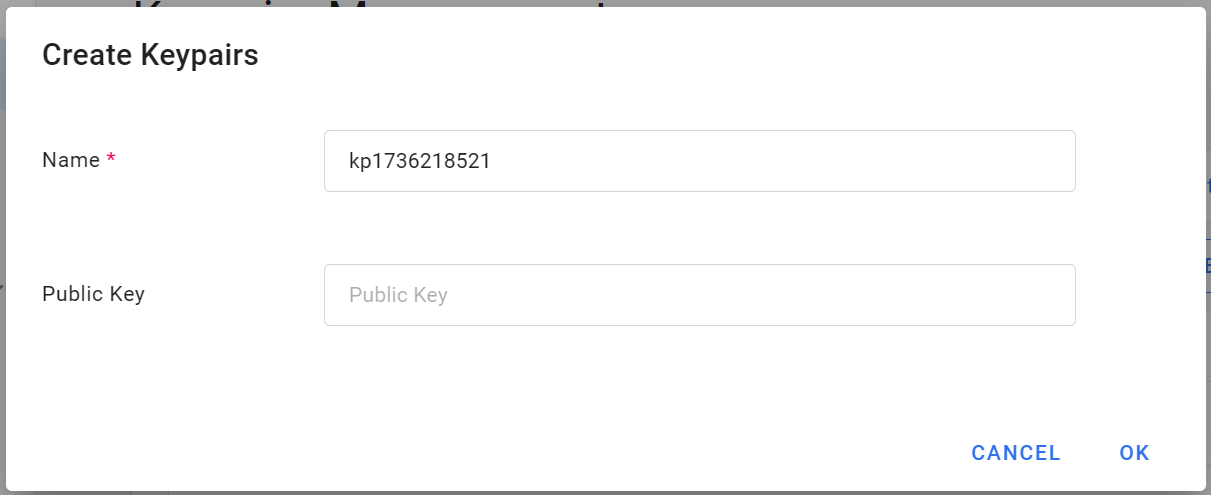
- Enter the name of the key pair and click OK.
- If you want to use your own key, you can fill in the key information in the Public Key field.
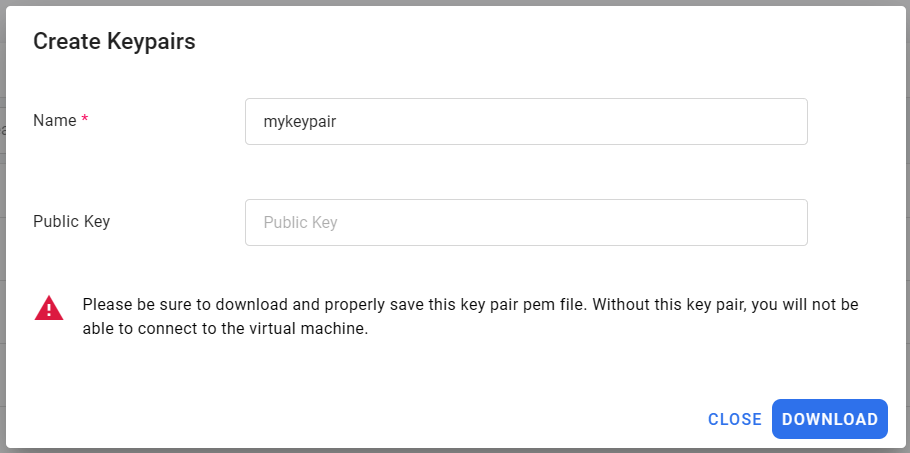
- Once the key pair is created, please be sure to click DOWNLOAD immediately and save the key pair. Without this key pair, you will not be able to connect to the virtual machine.
warning
The system will not store your key pair. After the key pair is created, be sure to download and properly save the key pair (.pem file).
Manage key pairs
- The key pair will appear in the list after it is created.
View key pair
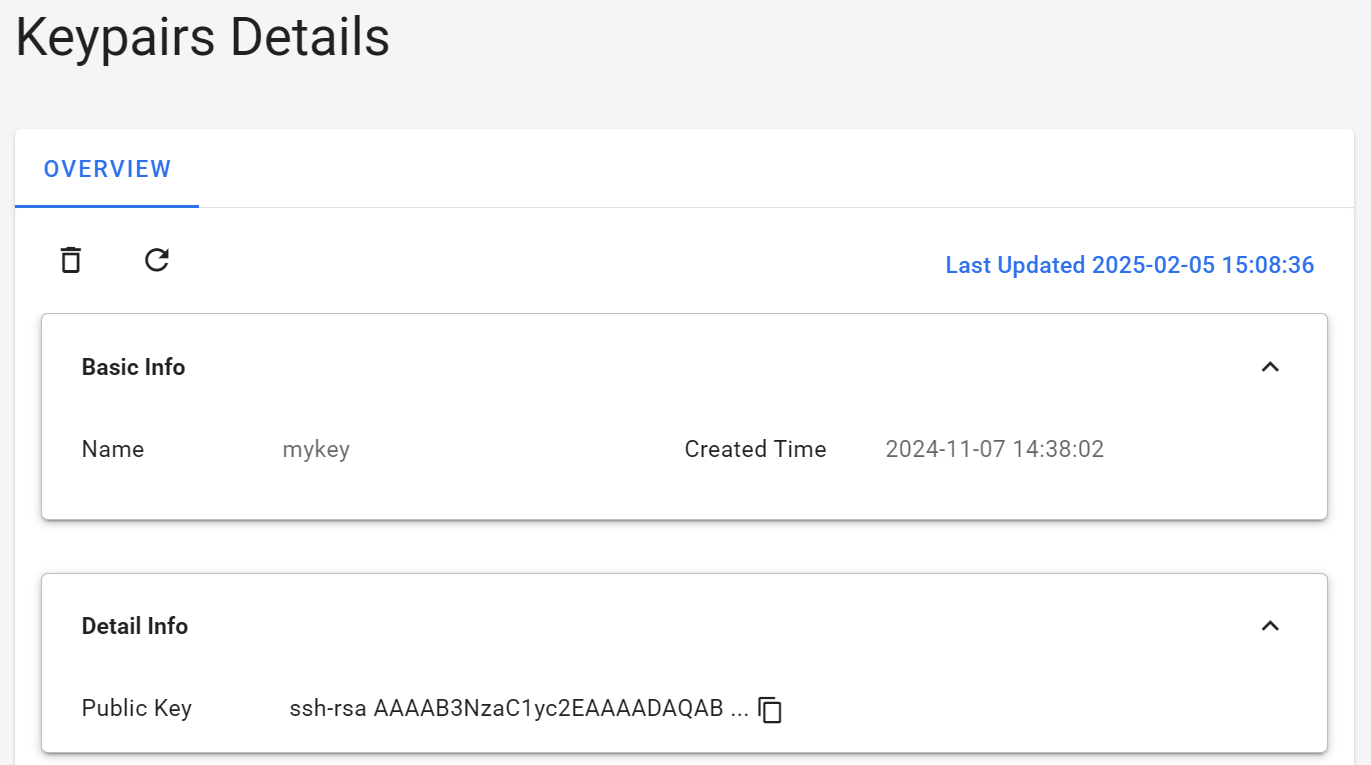
- Click the key pair list to enter the key pair details page, where you can view the basic information of the key pair or copy the public key.
Delete
- Click the more options icon on the right of the list, then select Delete.