AFS ModelSpace Public Mode
Before Getting Started
- If you haven't signed up for a user account, please sign up for a TWAI account first.
- If you would like to operate with TWAI portal, please sign in to TWAI portal and go to AFS ModelSpace.
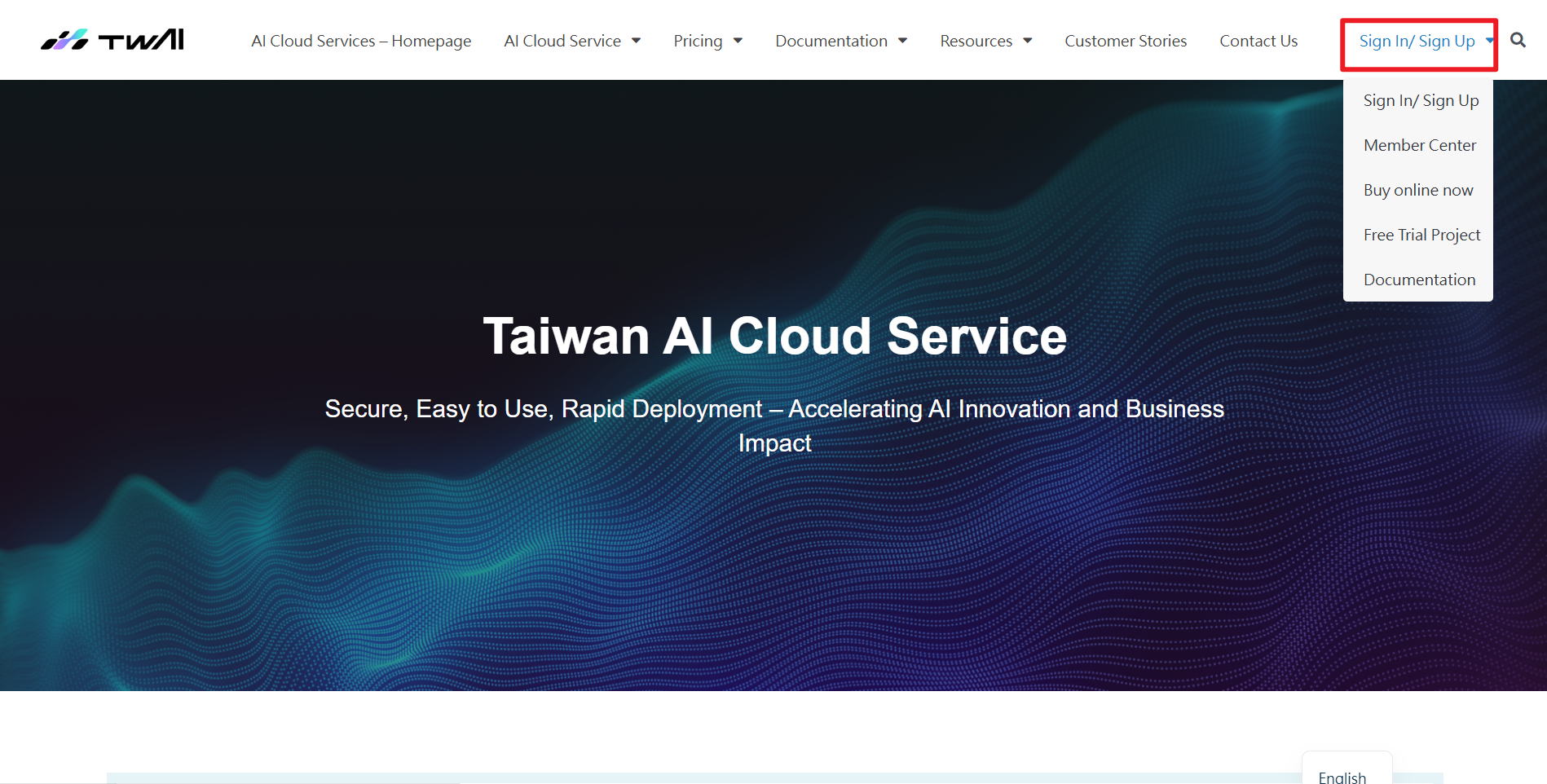
Get Started with AFS MS Public Mode Service
- You may see Public Mode as entering AFS ModelSpace.
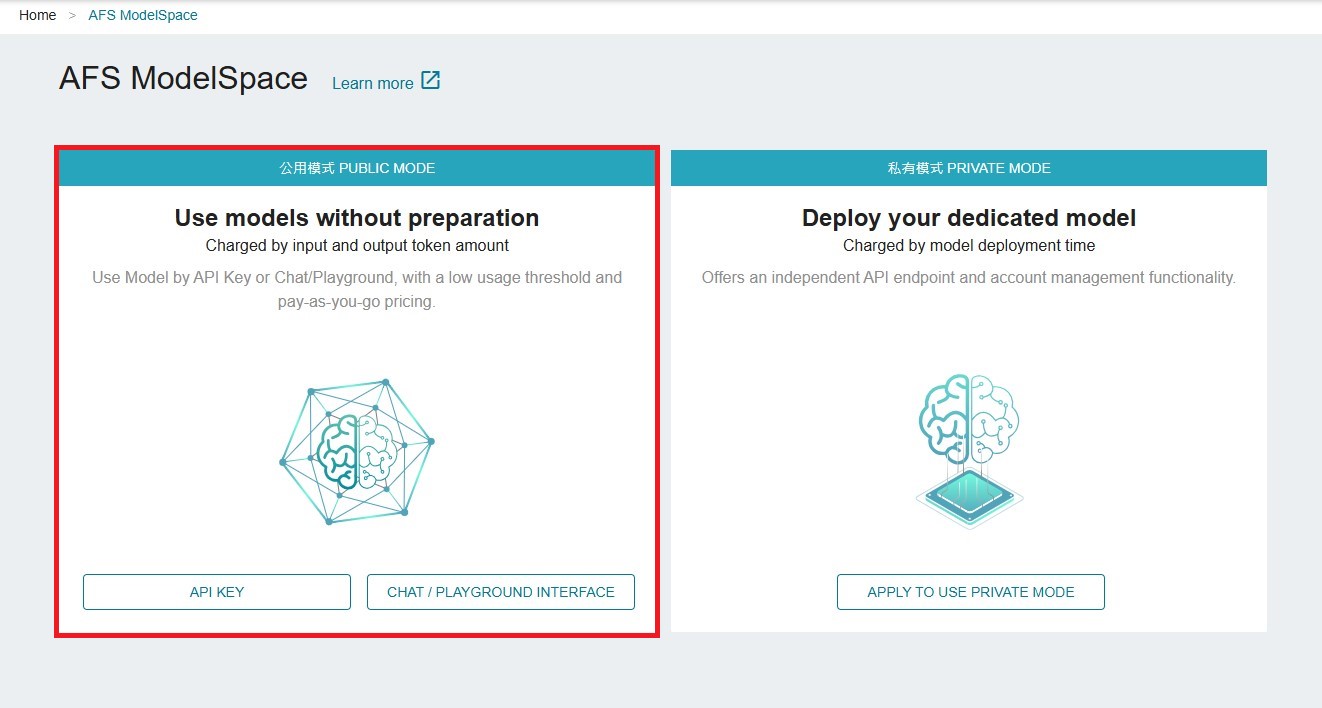
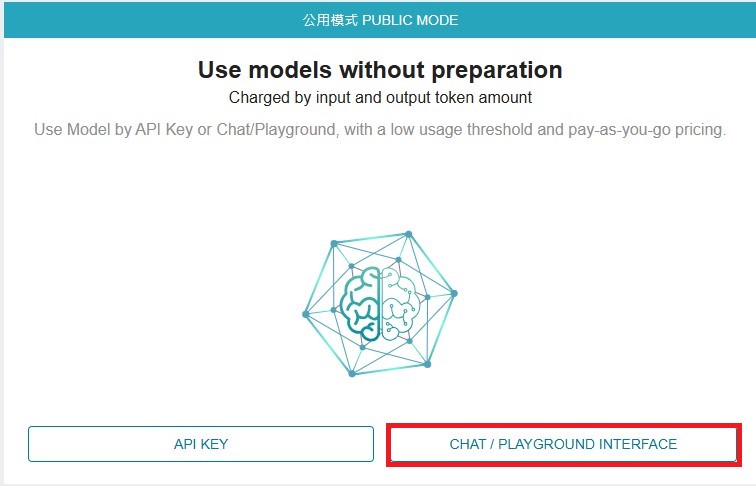
- You can access the Public mode via API key or through CHAT/PLAYGROUND INTERFACE.
API KEY
-
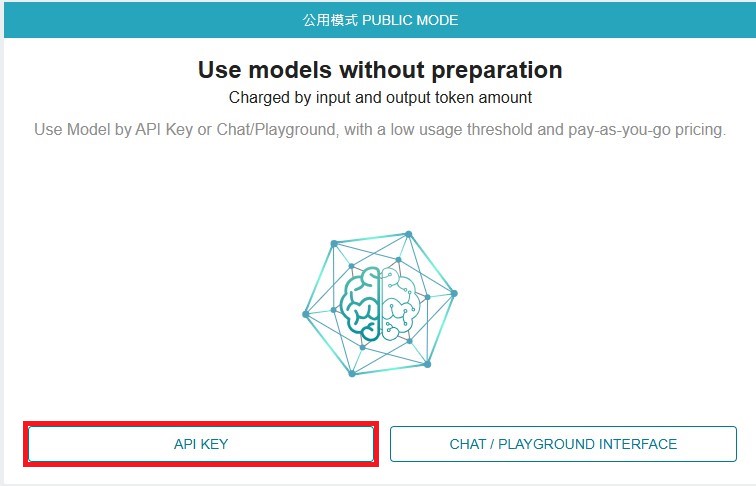
Click API KEY, you can find the primary API key provided by the TWAI system. For API key management, please refer to the TWAI API key management instructions.
-
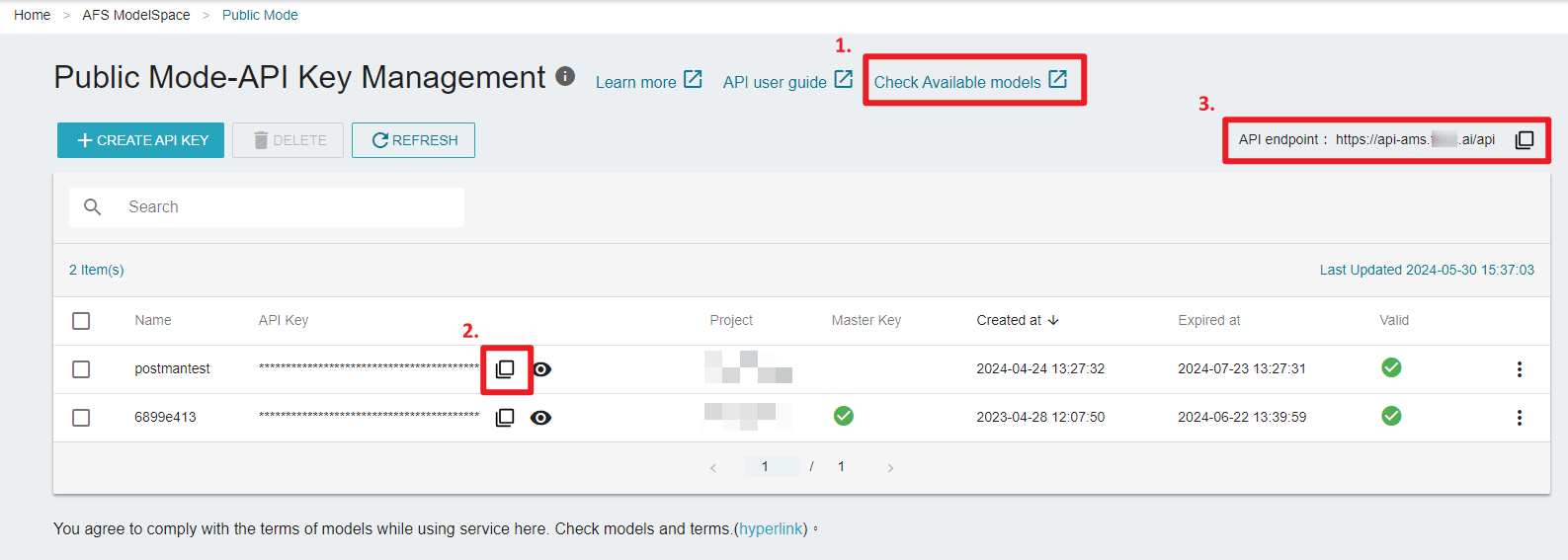
You may copy or click on the red box in the picture below to obtain
MODEL_NAME,API_KEY, andAPI URL.
MODEL_NAME:Please refer to AFS ModelSpace available model and copy “Model String for API”.API_KEY:Please copy the API key from the list on the webpage of Public Mode-API Key Management.API URL:Please copy API URL from the top right corner of the webpage of Public Mode-API Key Management.
CHAT/PLAYGROUND INTERFACE
- Click CHAT/PLAYGROUND INTERFACE to start chatting with the model.
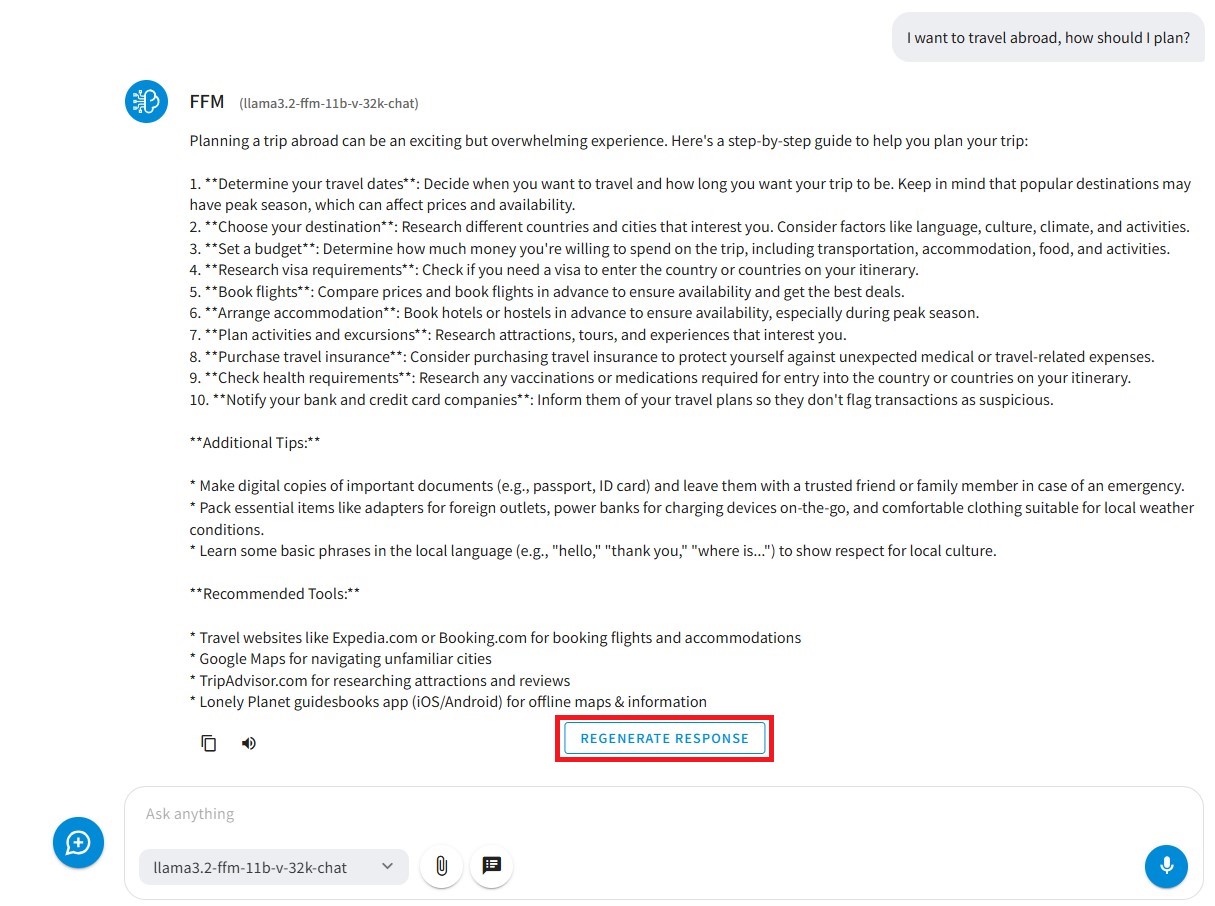
- Chat Interface
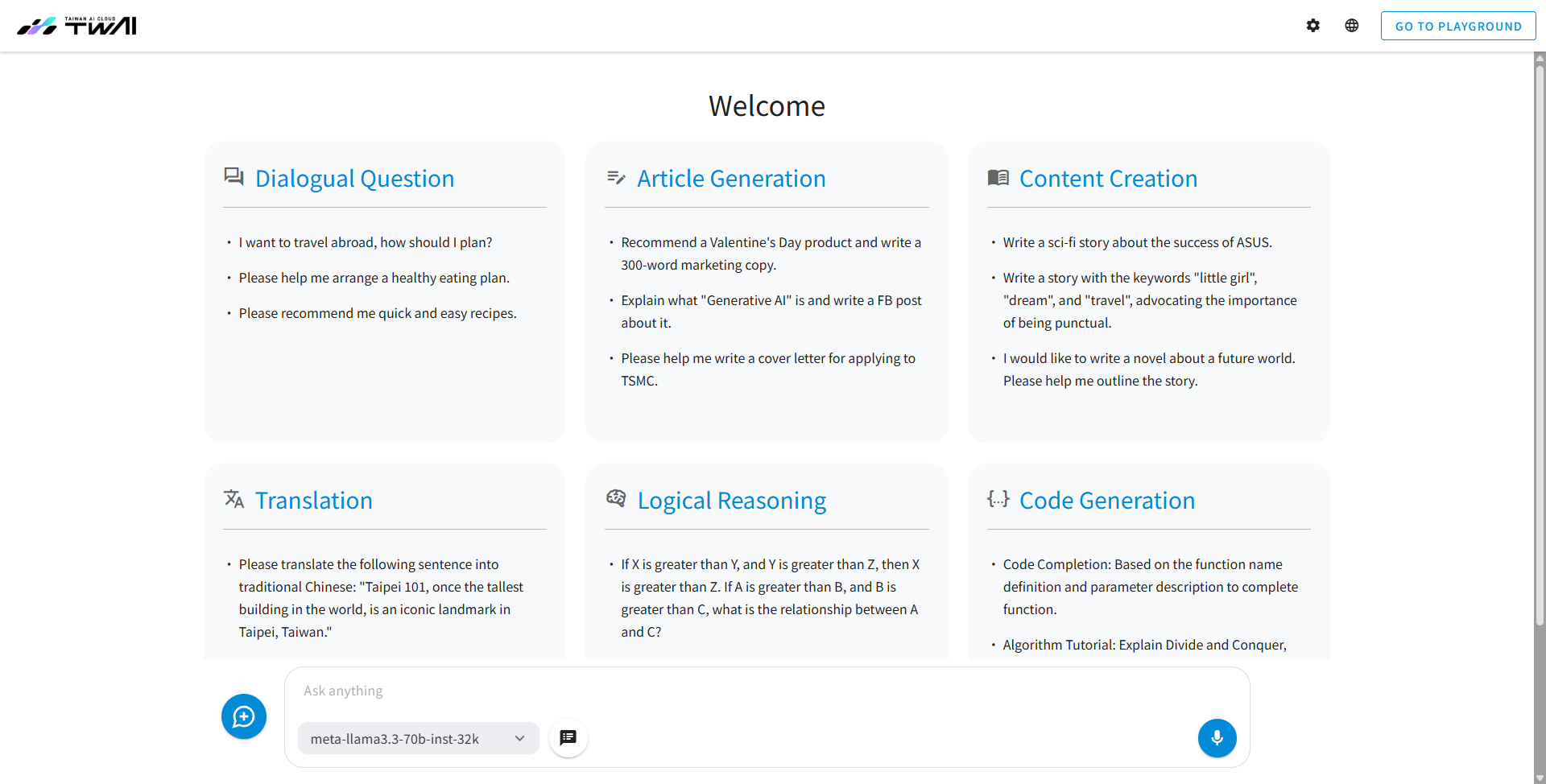
- After entering the Chat interface, you can select the Public mode model from the model dropdown menu at the bottom.

- If you are using a multimodal model, you can upload images to perform image OCR, analysis, summarization, and other functions.

- You can use SYSTEM PROMPT to add instructions.The system will engage in the conversation based on the prompt you have configured.

- Click VOICE INPUT to interact with the model using your voice.

- You can directly click on the suggested conversation content, and the system will automatically place it in the Send message box for you. Click ENTER to send the message.
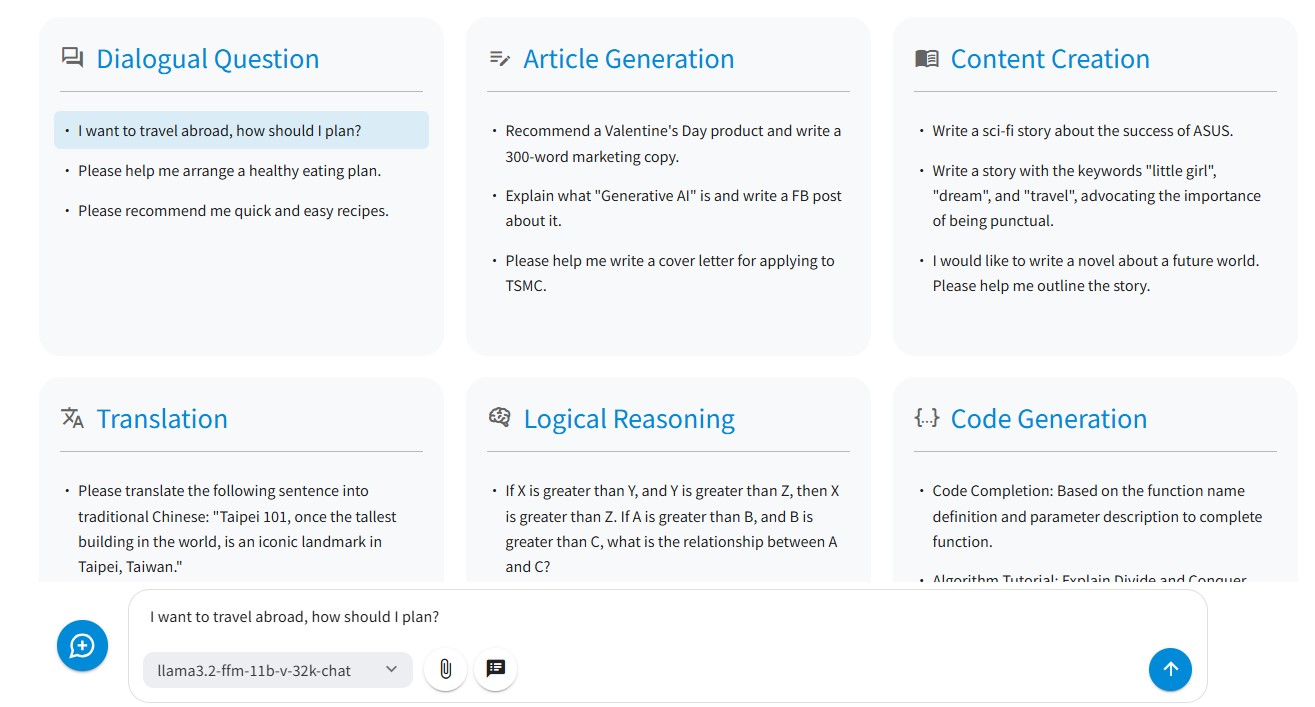
- The NEW CHAT button on the left will clear the Send message box.

- Click on the GENERATE RESPONSE button to regenerate a response if you are unhappy with the result.
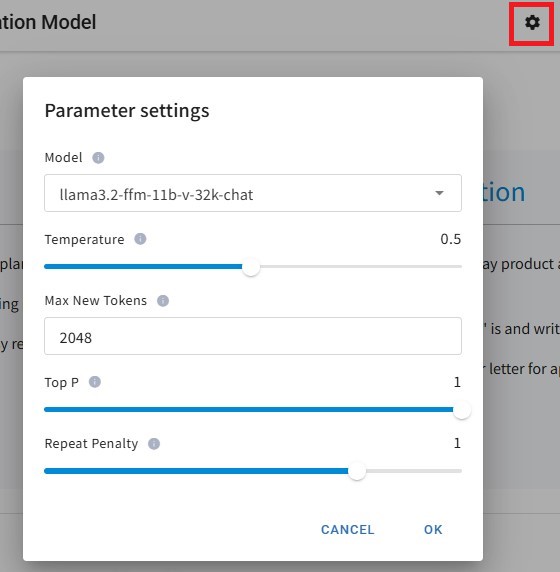
- You can adjust Parameter settings by clicking the "Settings" button in the upper right corner.