Create and delete buckets
tip
The following operation methods are only applicable to the public COS of the project. For managing your private COS, please use third-party software.
Before we get started
- If you haven't sign up for a user account, please sign up for TWAI first.
- If you would like to operate with TWAI portal, please first sign in to TWAI portal.
- If you would like to operate with TWCC CLI, please install TWCC CLI first, and then sign in.
Create buckets
Follow the steps below to create a bucket. Once the bucket is created, you can upload your files to the bucket and create folders to manage files.
- TWAI Portal
- TWCC CLI
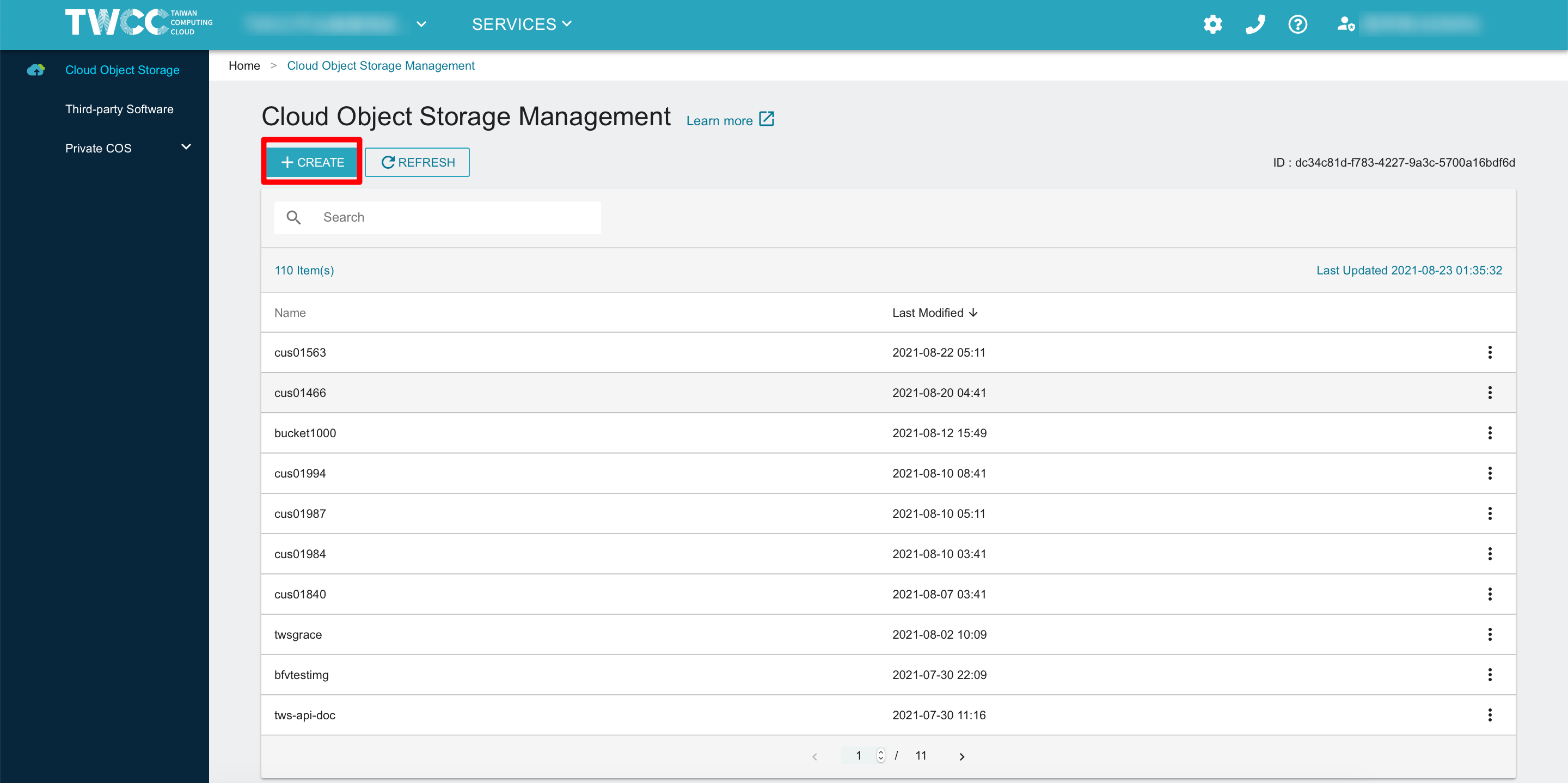
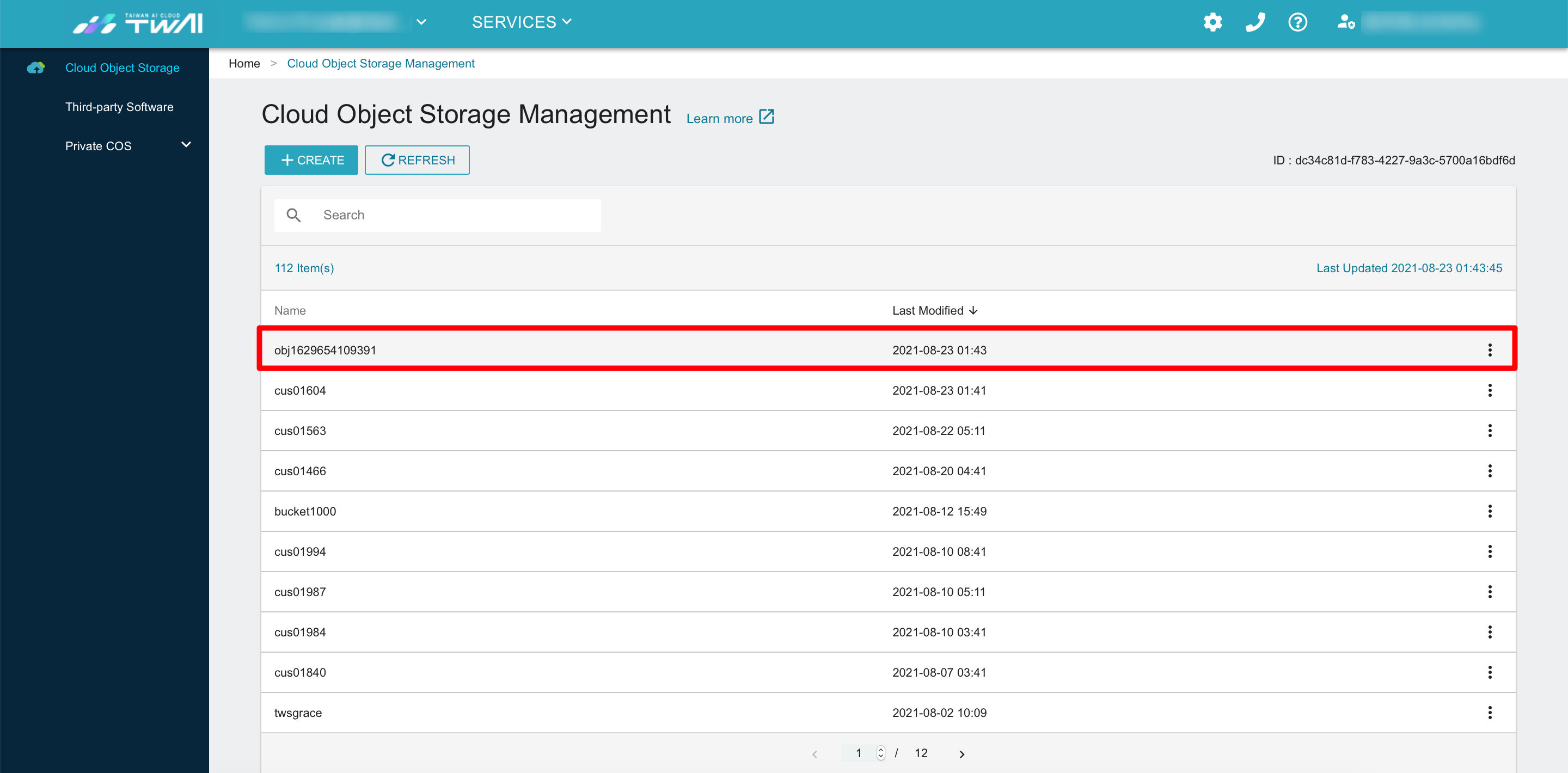
- Select Cloud Object Storage (COS) from the service list, enter the Cloud Object Storage Management page, and click +CREATE.
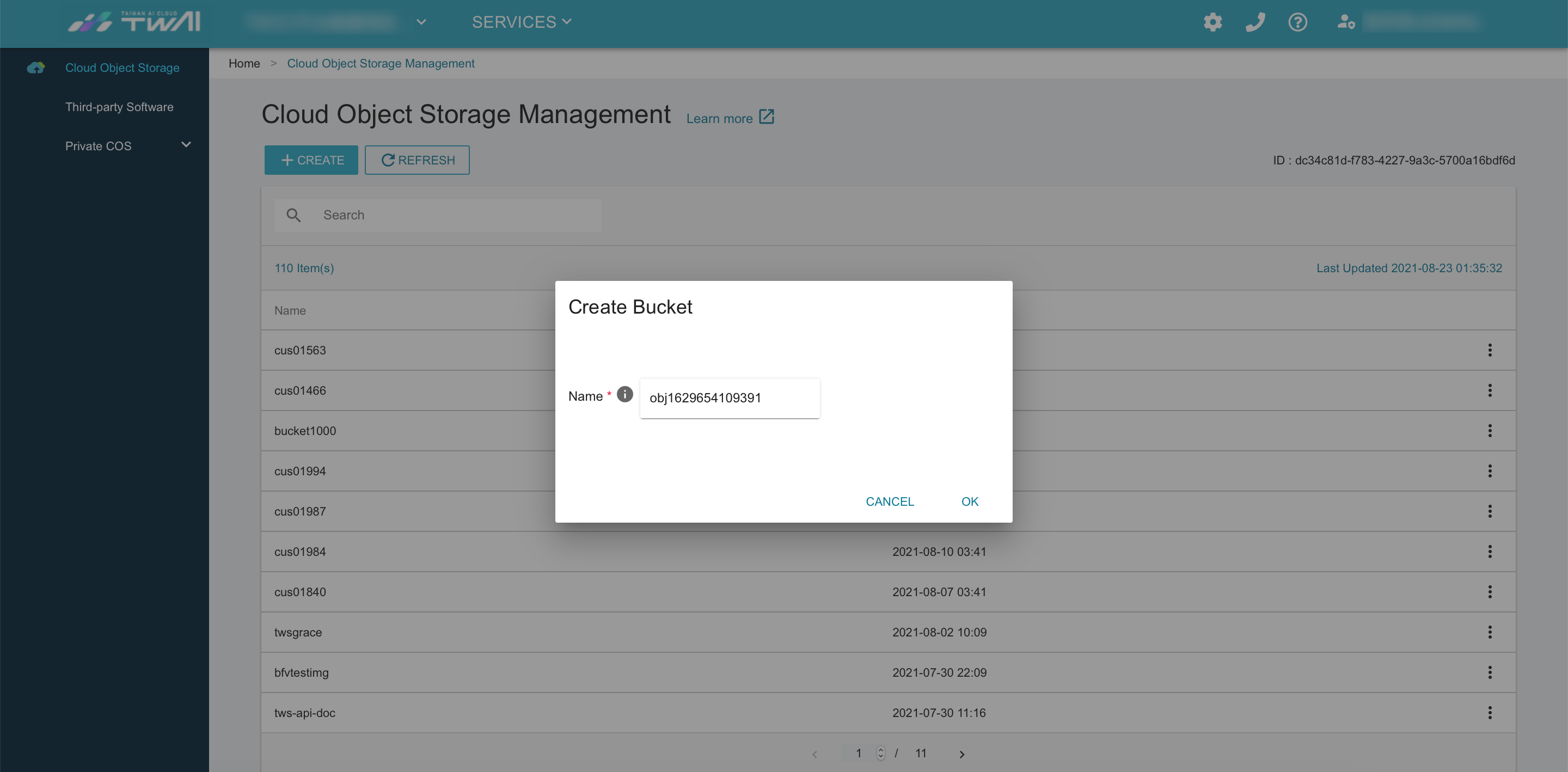
- Enter a name for the bucket and click OK. Please note that the name of the bucket must be unique. It must be between 1 and 16 characters of lowercase English letter or digits. The first character must be a letter.
- When the bucket is created, it will show on the top of the list. Click the list to enter the Bucket Details page and begin to use it.
- Create a bucket named
bk_cli
twccli mk cos -bkt bk_cli

Delete buckets
caution
Before deleting the bucket, please check whether the bucket has been emptied or backed up; once the bucket is deleted, all the data in the bucket will be deleted and cannot be restored.
- TWAI Portal
- TWCC CLI
-
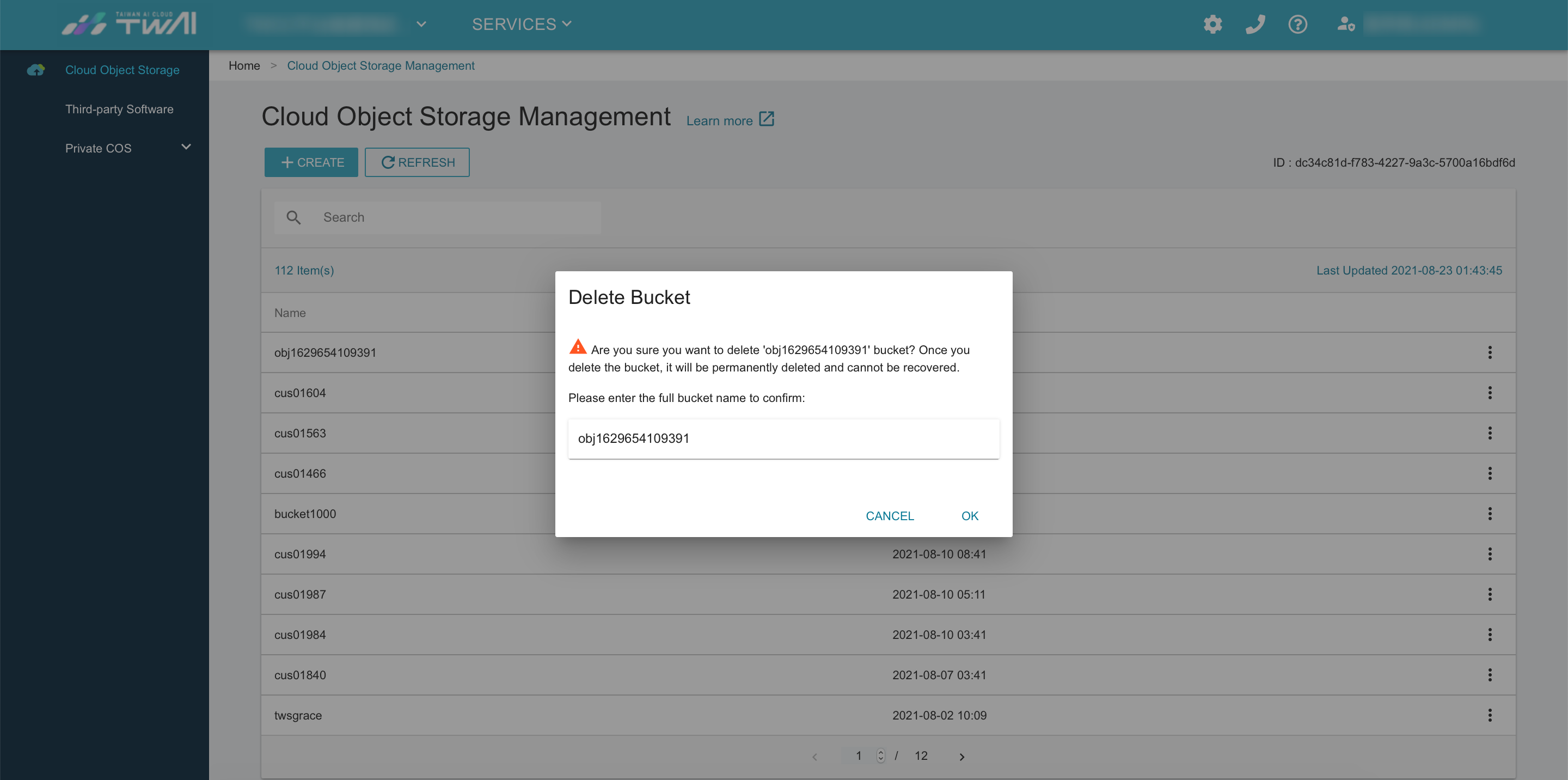
To delete an unnecessary bucket, click the menu button on the right of the bucket list, and then click DELETE.
-
To avoid accidental deletion, please enter the name of the bucket to confirm the deletion.
- Delete the empty bucket
bk_cli1
twccli ls cos -bkt bk_cli1
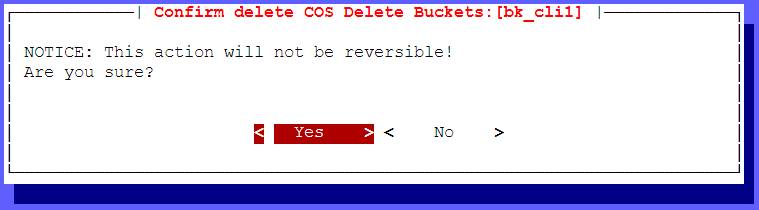
twccli rm cos -bkt bk_cli1

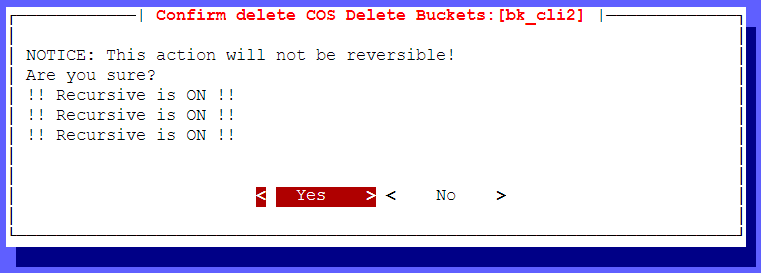
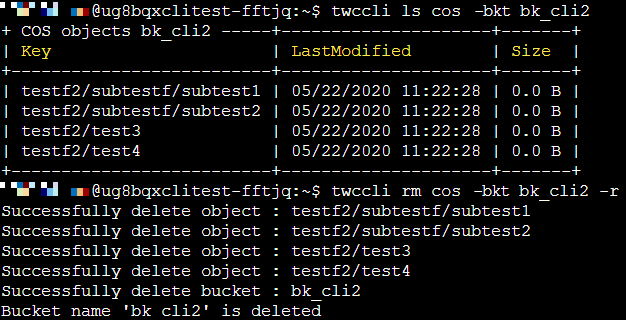
- Delete the non-empty bucket
bk_cli2
twccli ls cos -bkt bk_cli2
twccli rm cos -bkt bk_cli2 -r