Purchase online credits
Step 1. Log in to TWAI member center
Please first log in to TWAI member center. If you don't have an account yet, please register one first.
Step 2. Enter the Online Credit Purchases page
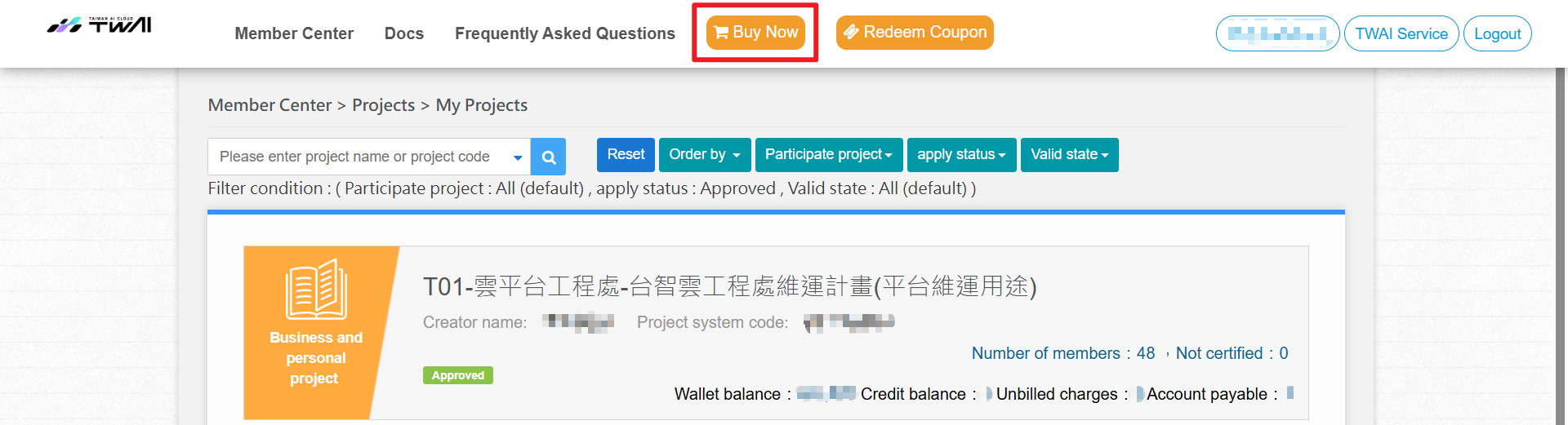
- Enter the Member Center, and click Buy Now.
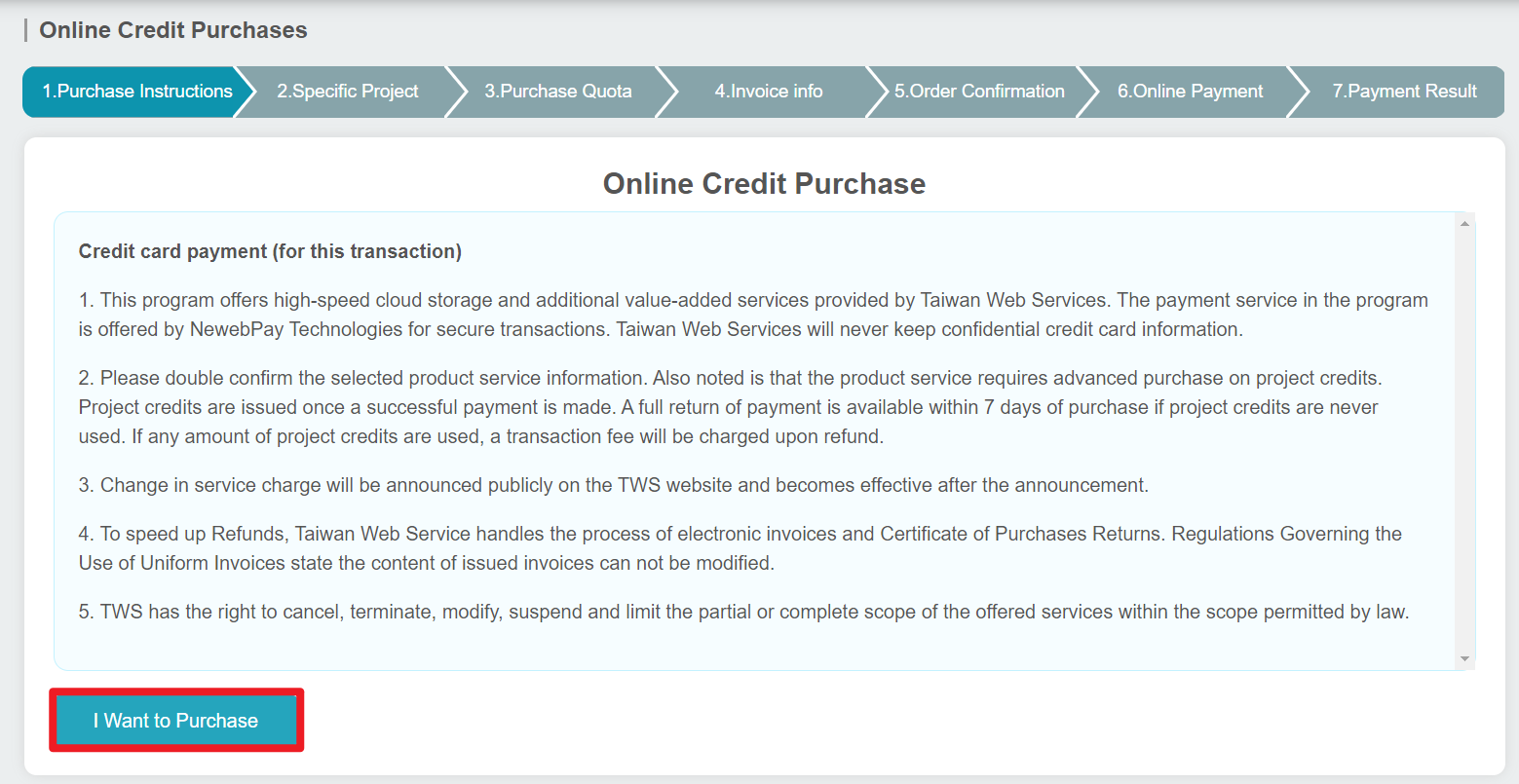
- Click I Want to Purchase.
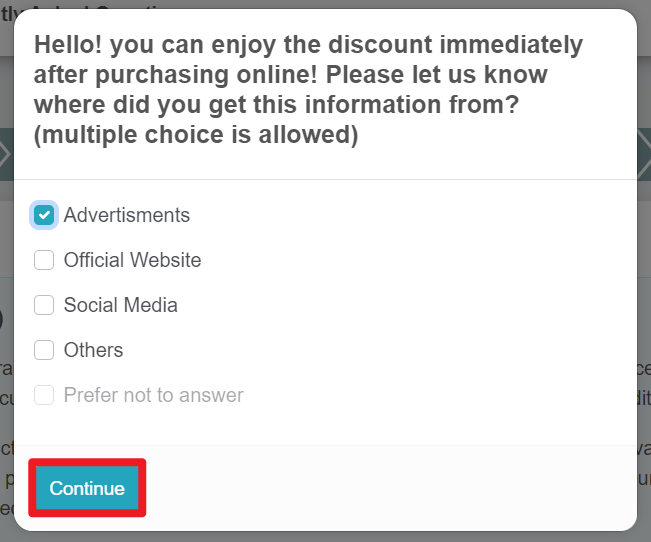
- Select the channel through which you get this information from, and click Continue.
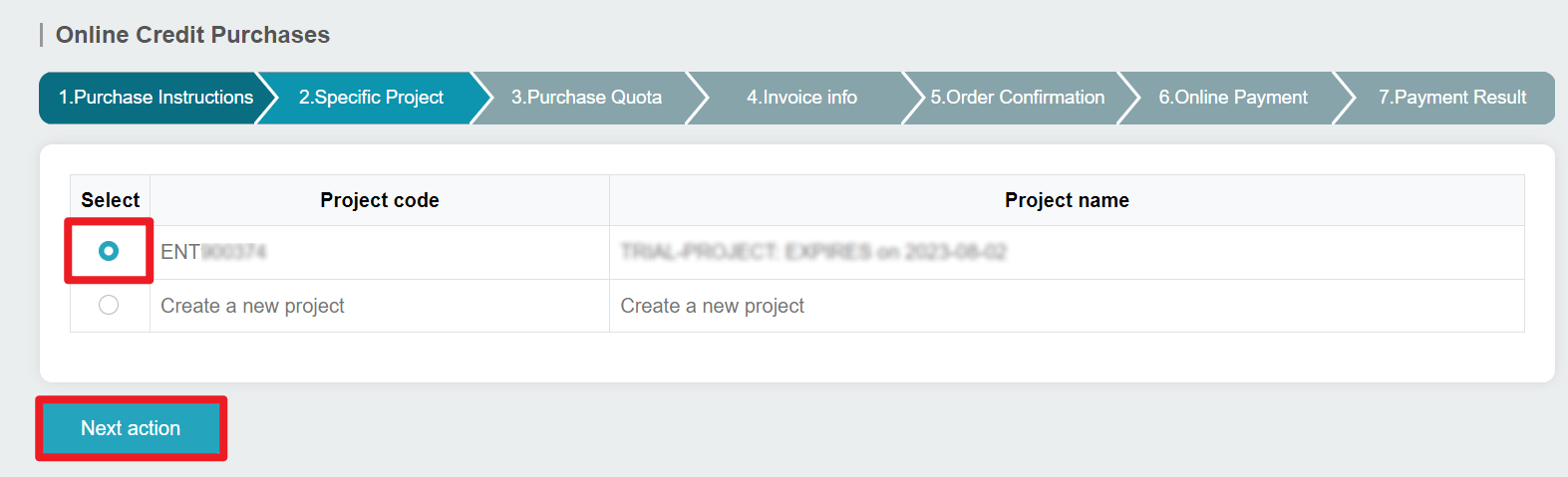
- Select the project to which you want to allocate your quota or create a new project. Click Next action.
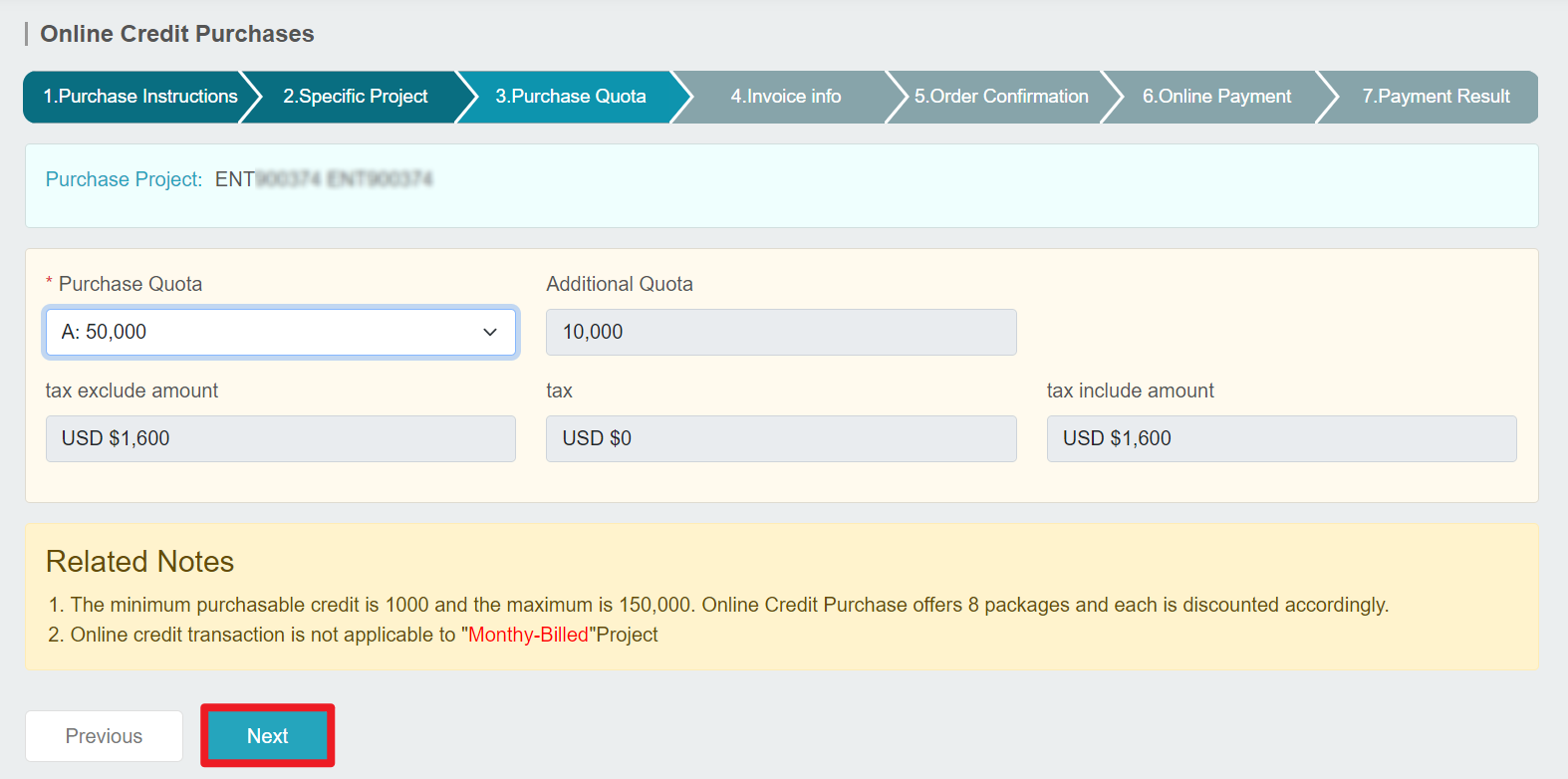
- Select the quota you want to purchase, click Next.
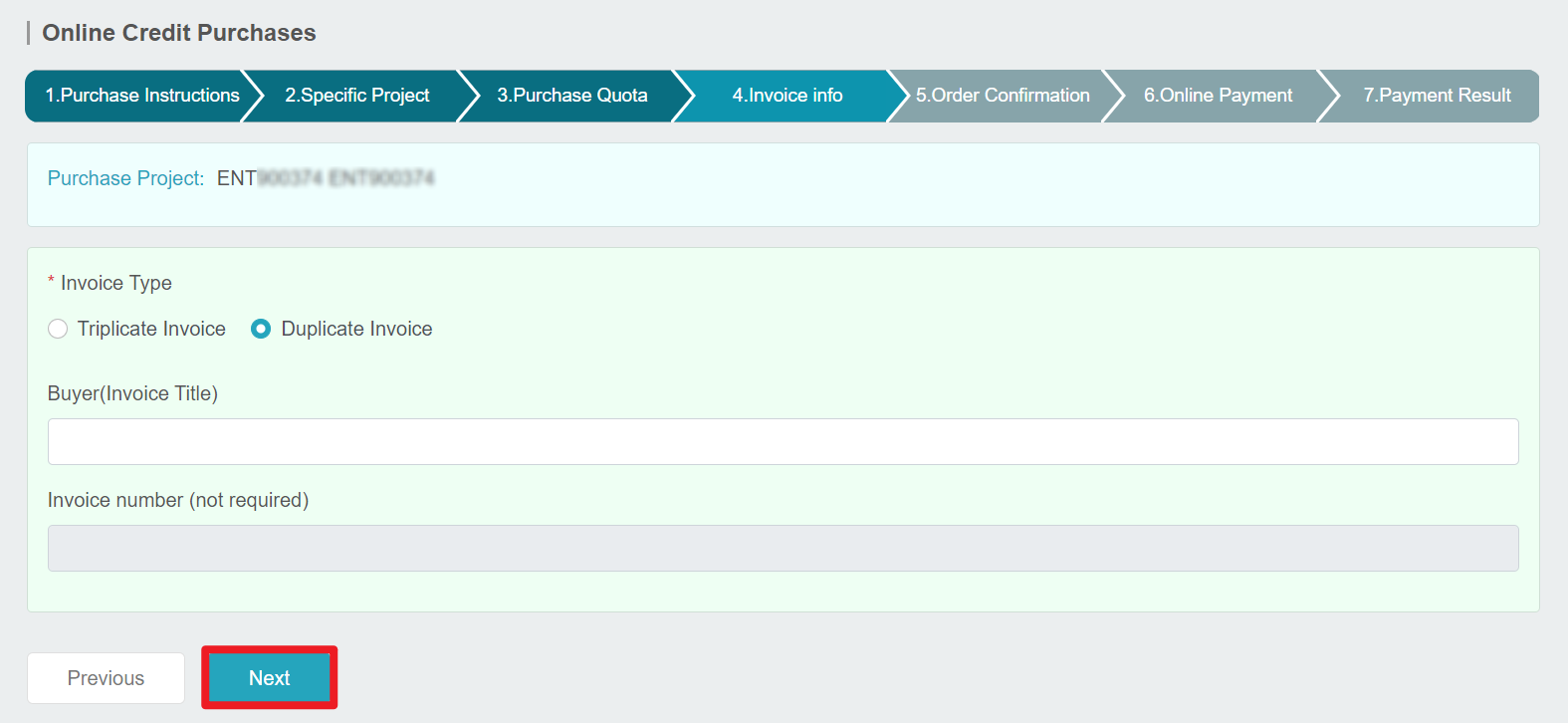
- Fill in the invoice information, and click Next.
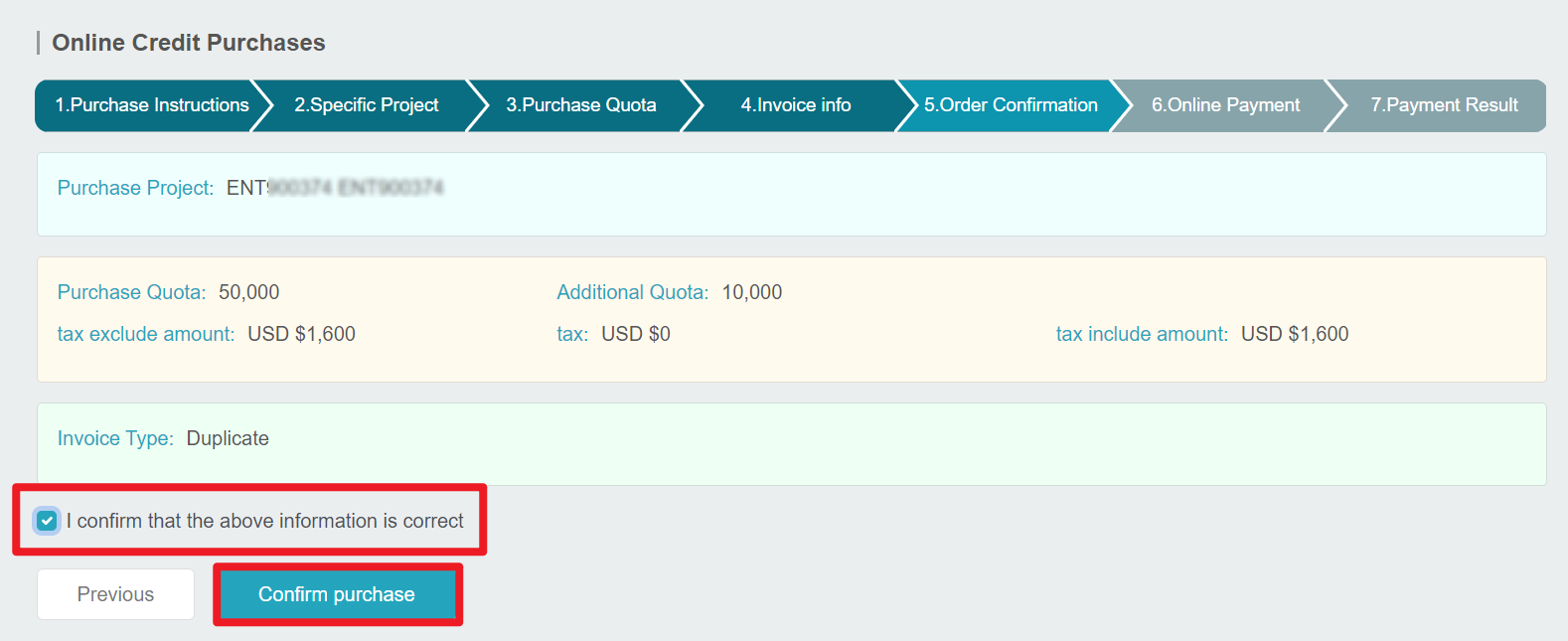
- Review your purchase details, select I confirm that the above information is correct, and click Confirm purchase.
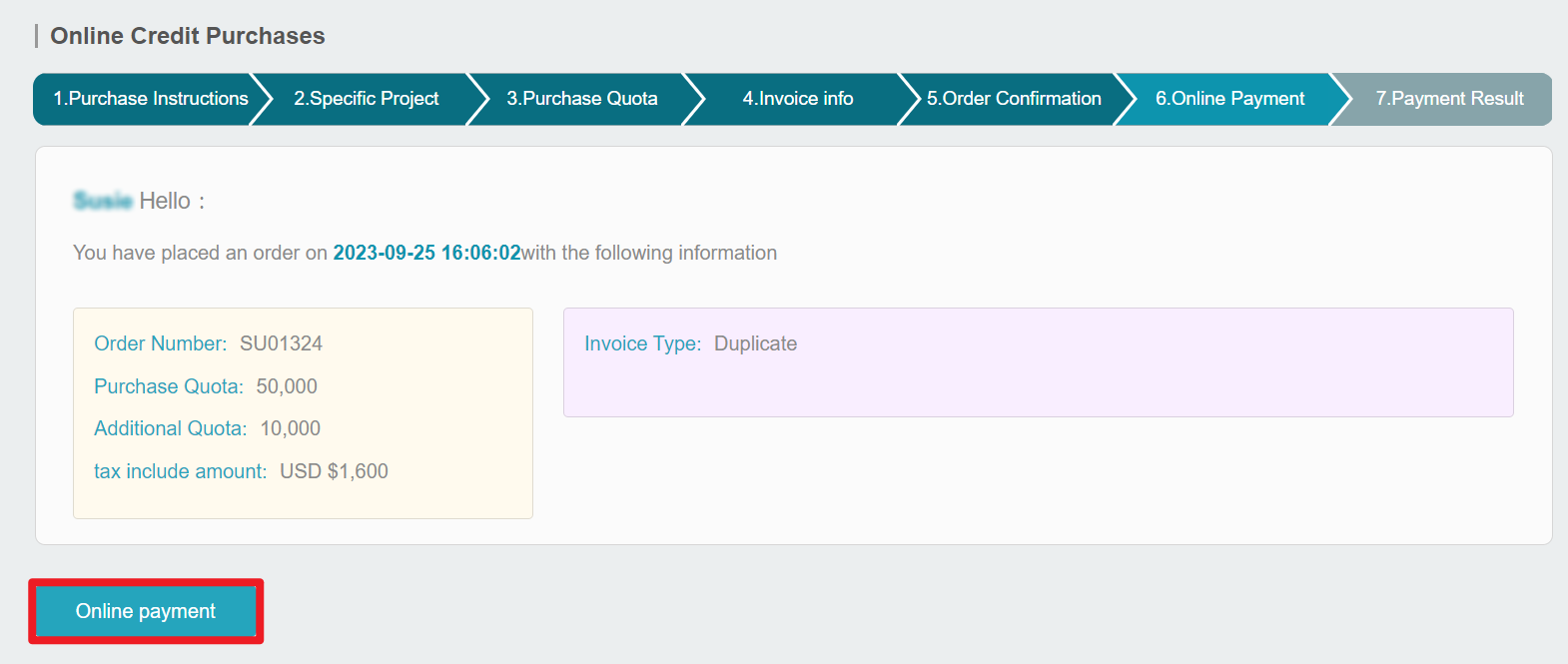
- After the order is placed, click Online payment to proceed.
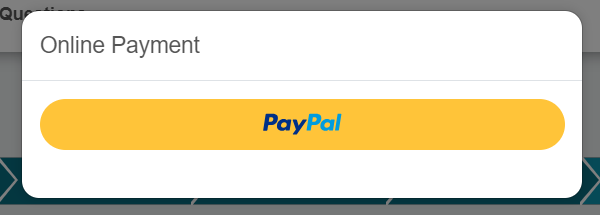
- Select PayPal.
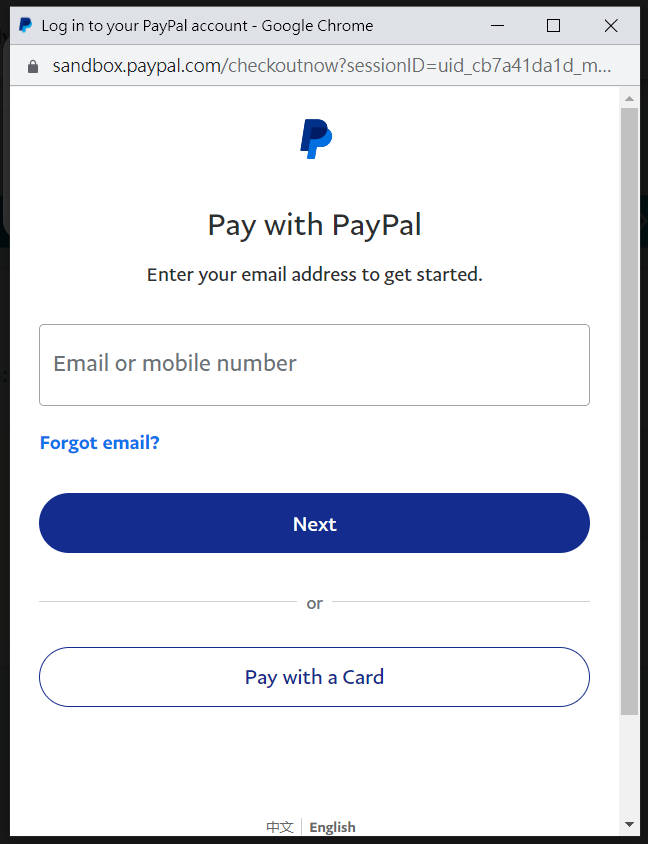
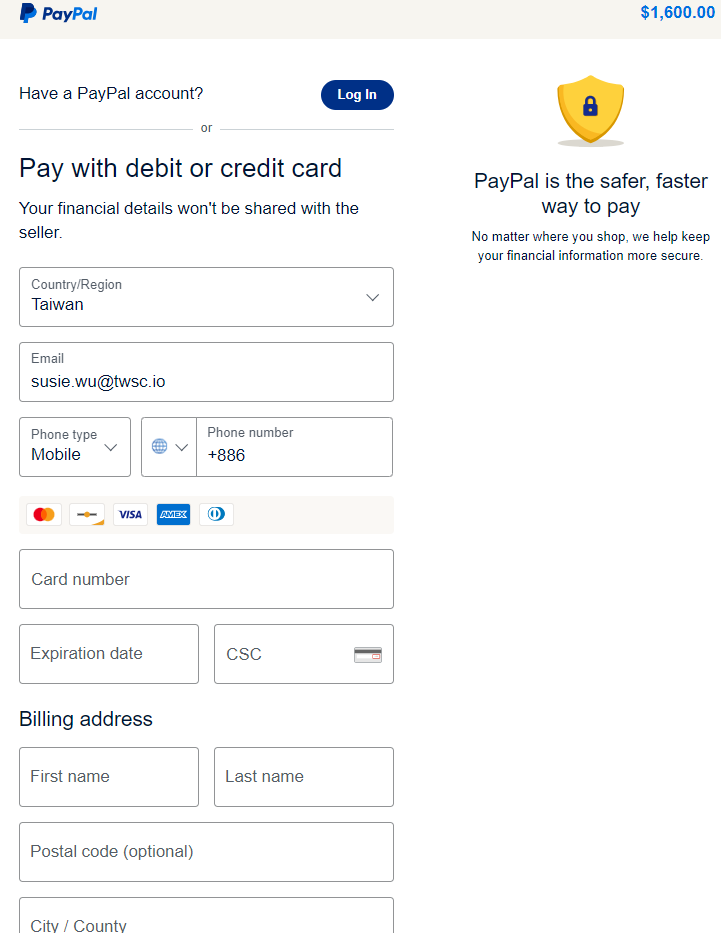
- Log in to you PayPal account, or register one to proceed with the payment.
Step 3. Review order details
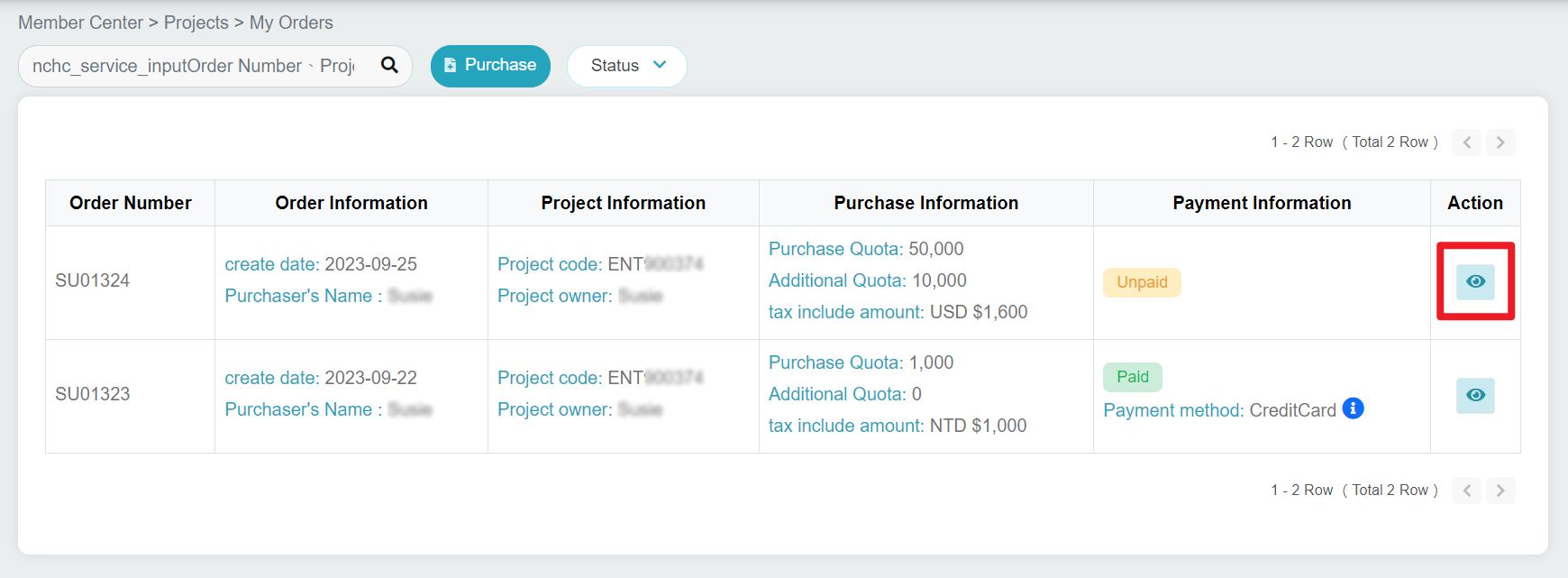
- After the payment, you can view your purchase history on the My Orders page. Click on the to view order information.
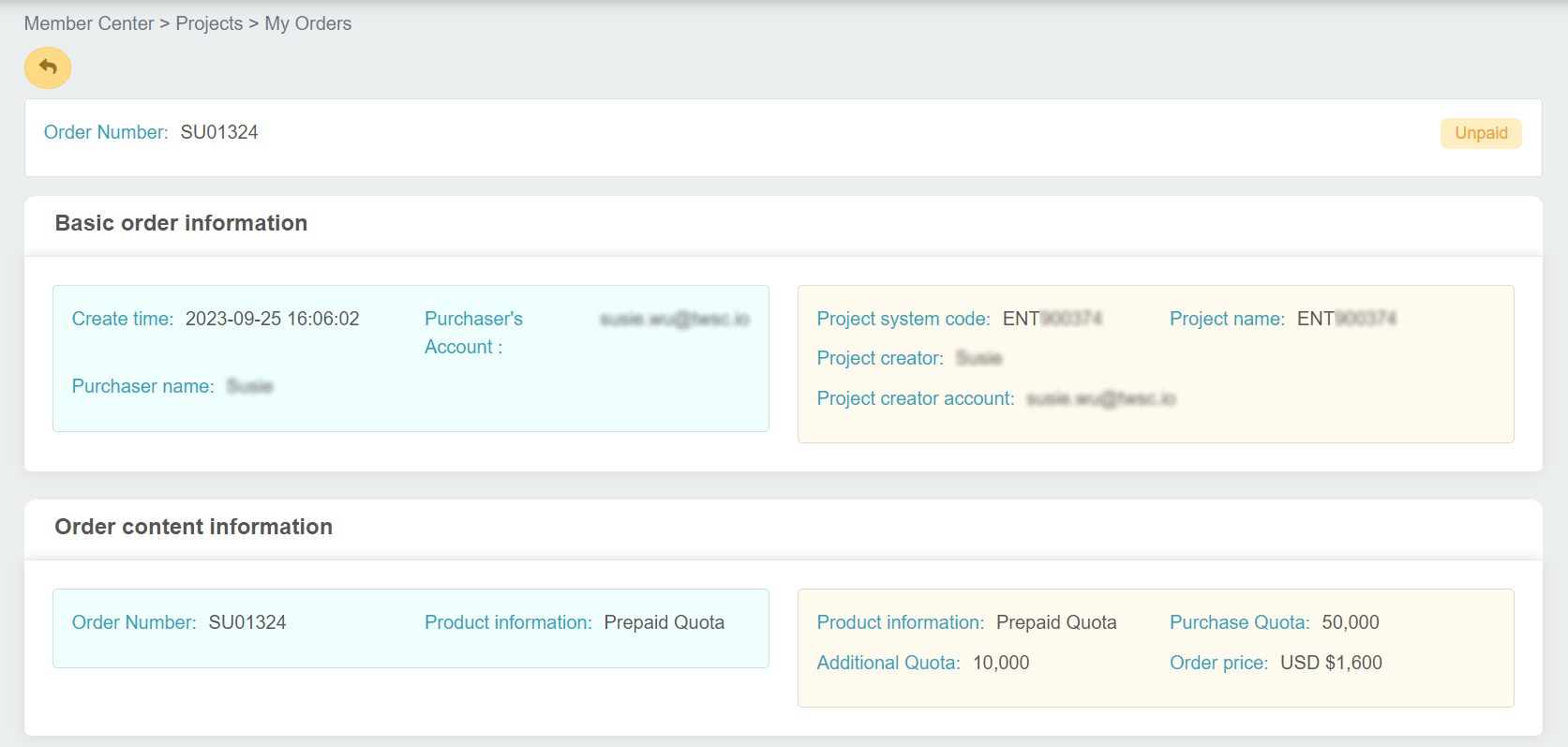
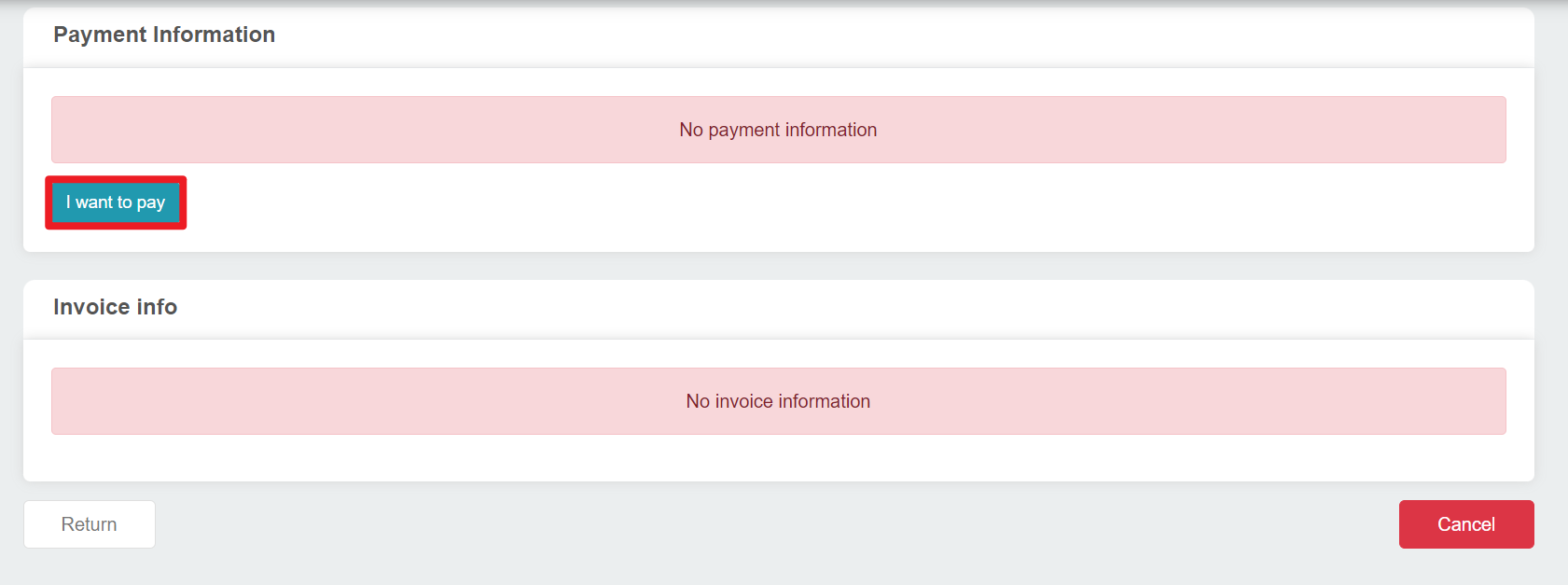
- If your previous payment was unsuccessful, you can click on the I want to pay button in the Payment Information section.
- If you want to cancel your unpaid order, click Cancel.
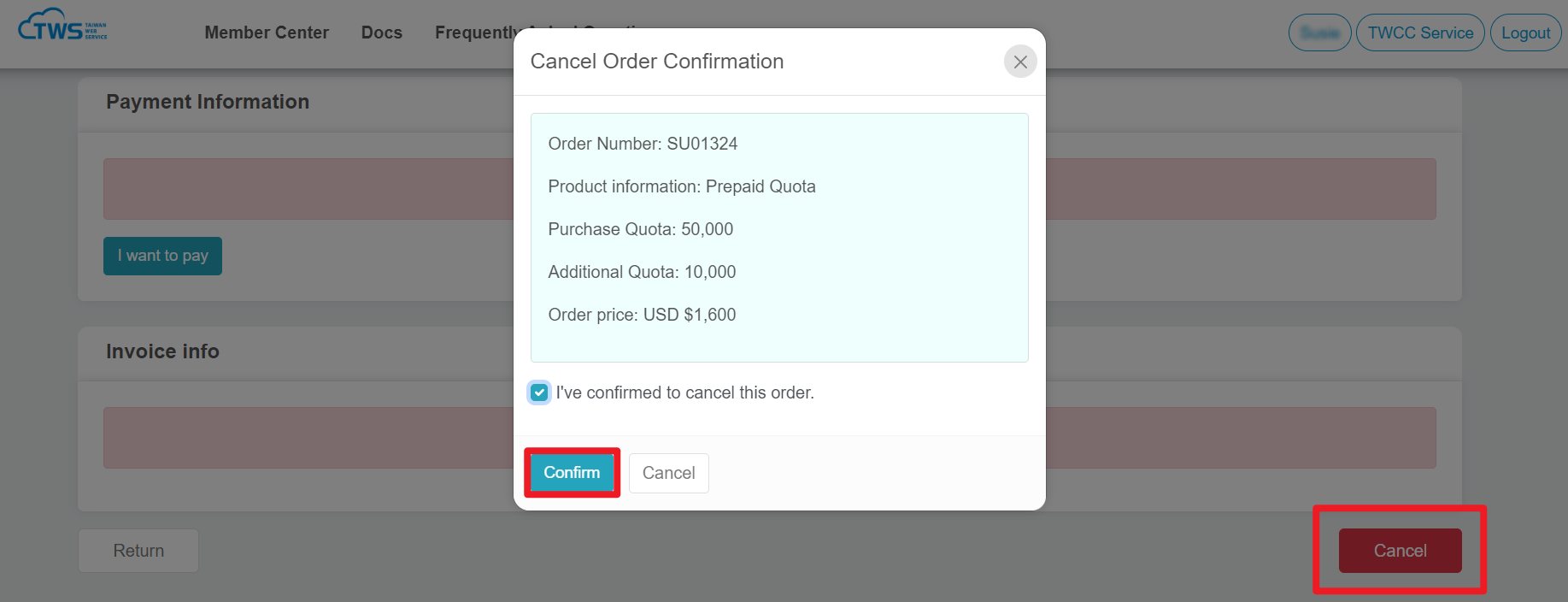
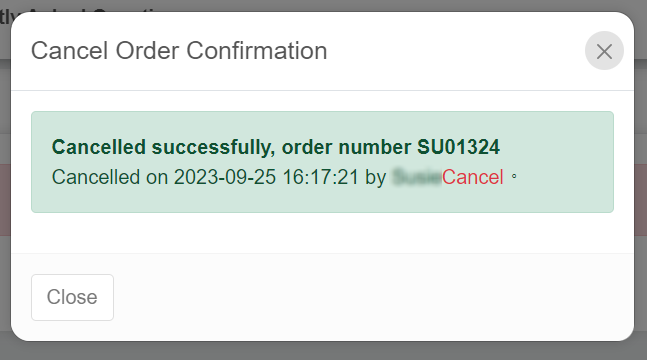
- A message box will pop up if your cancellation is successful.